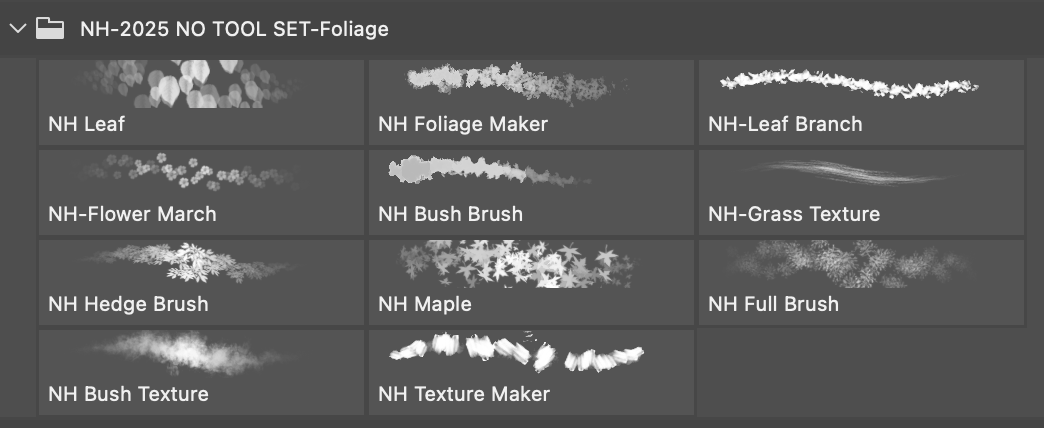
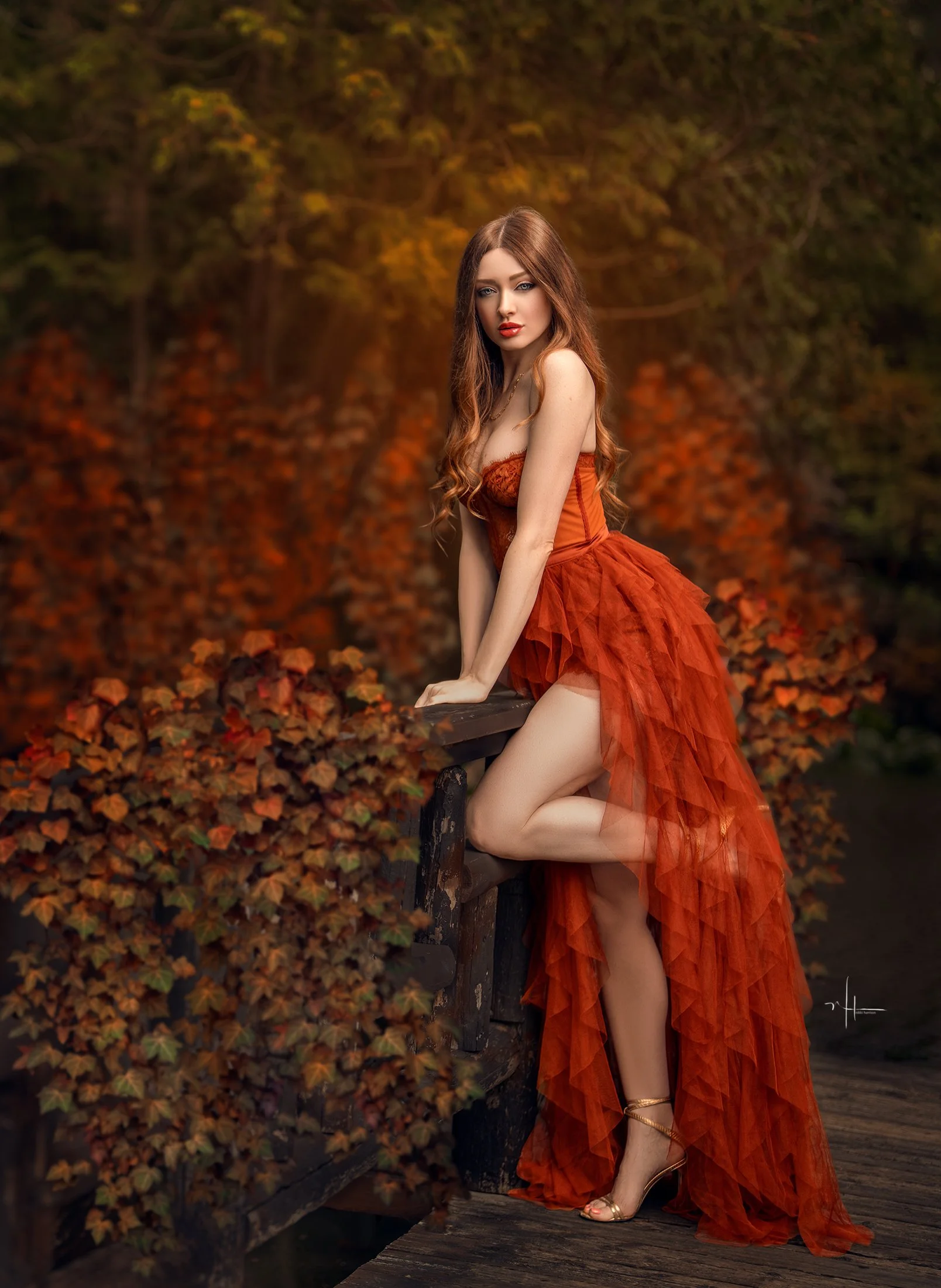
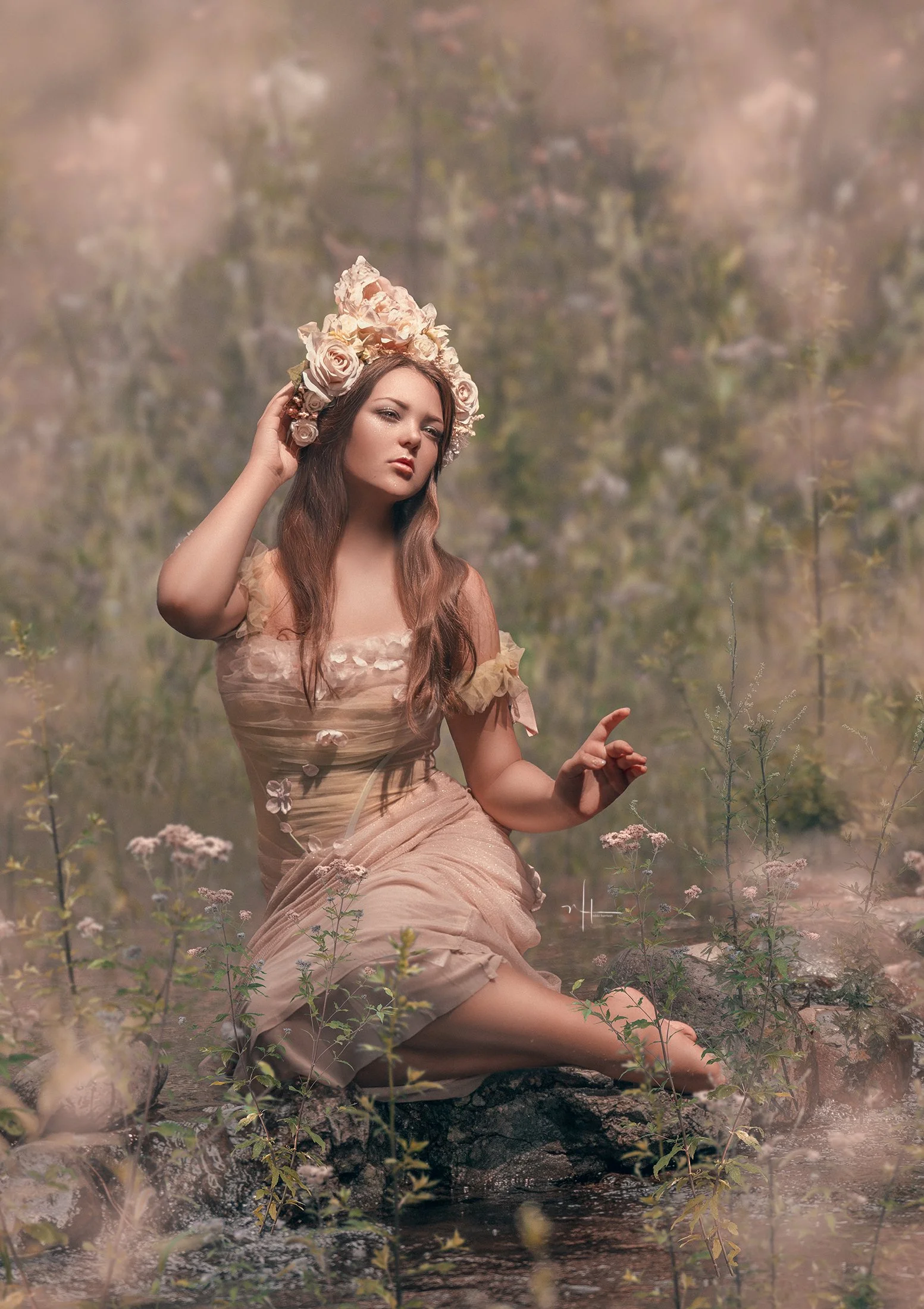
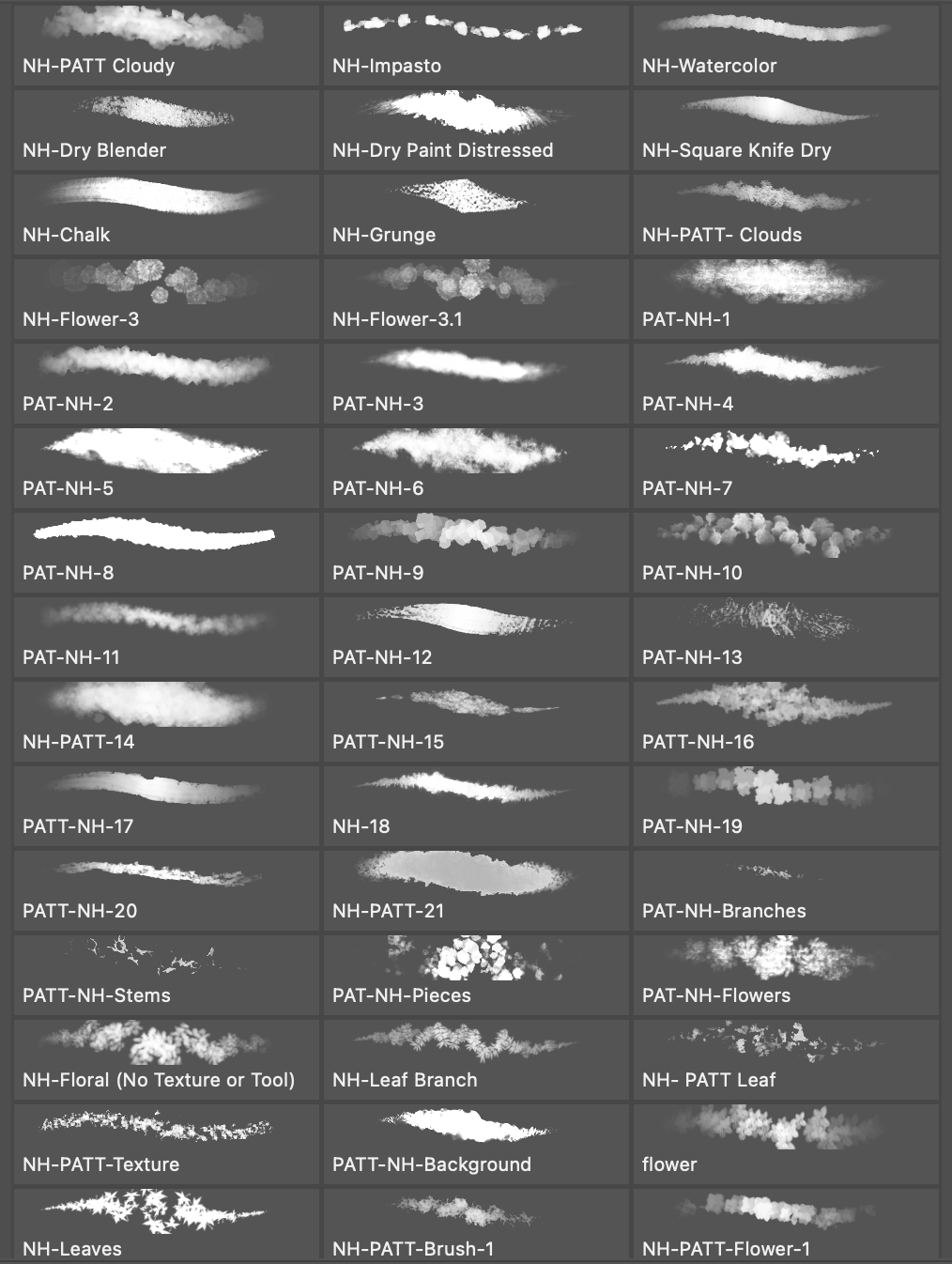
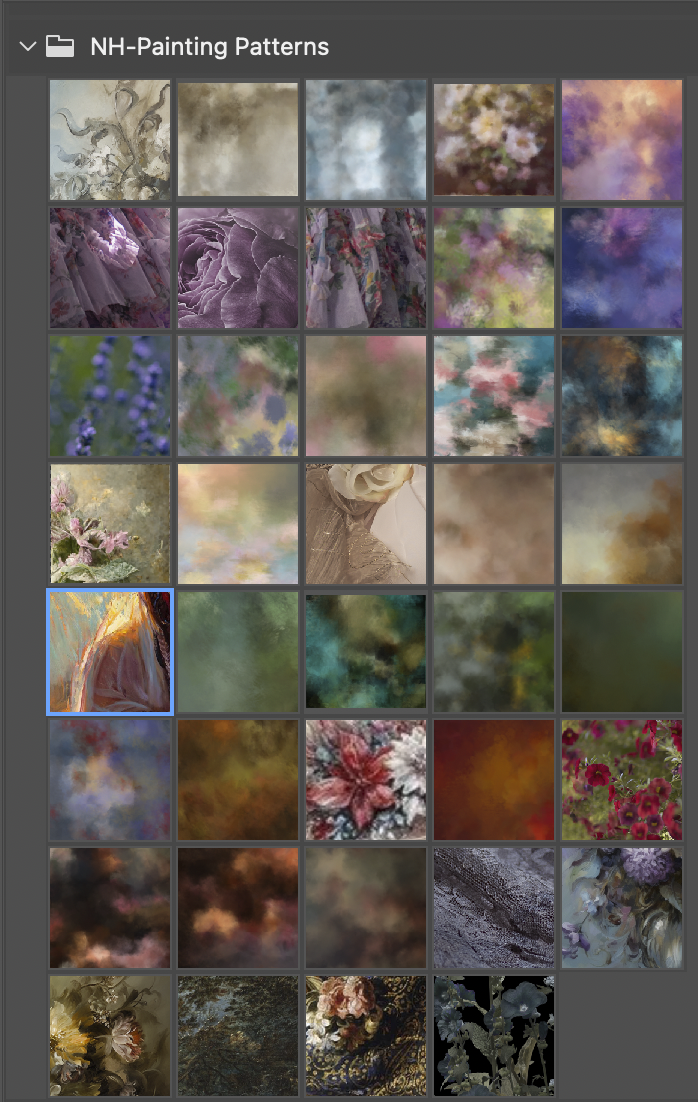
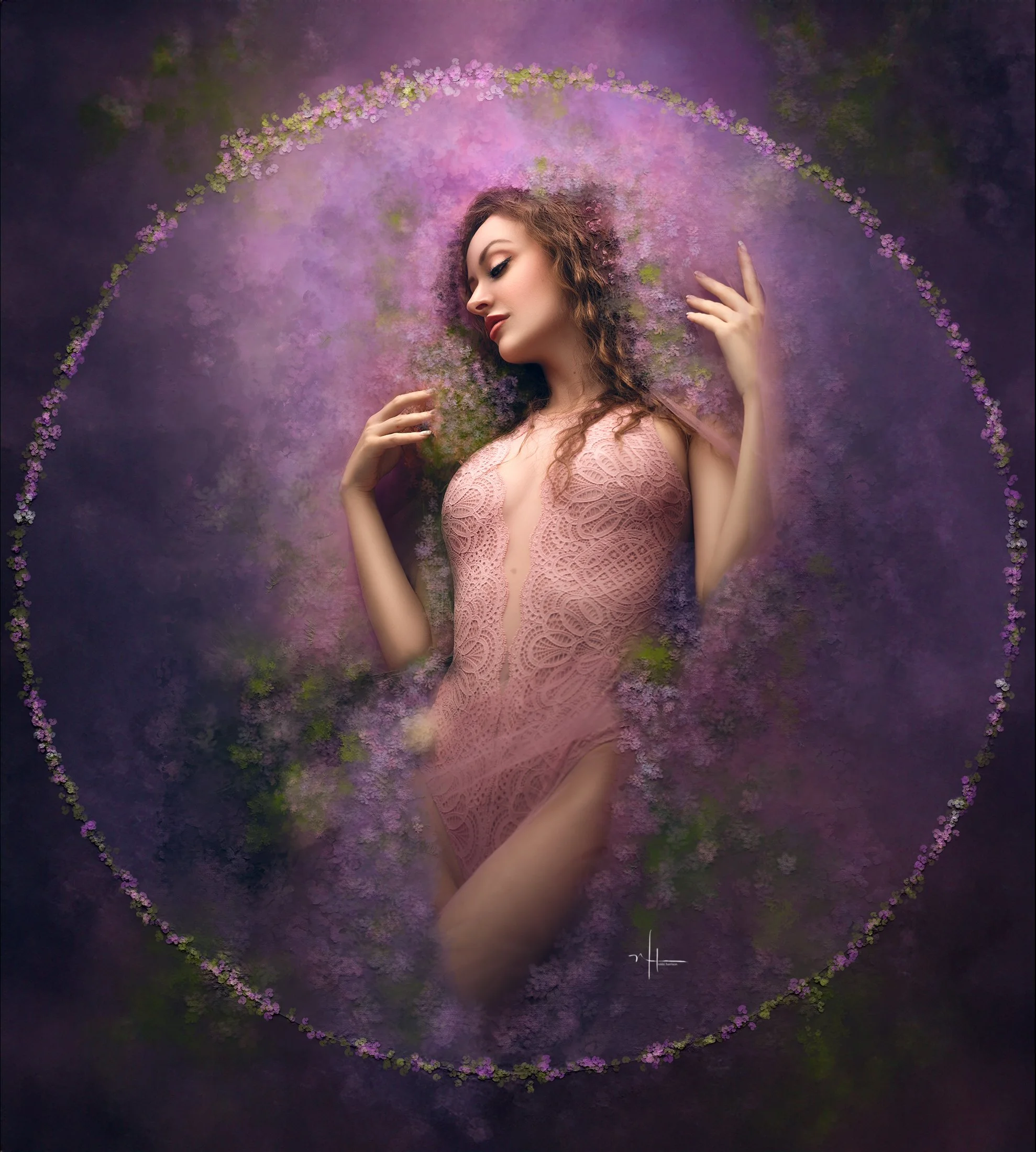
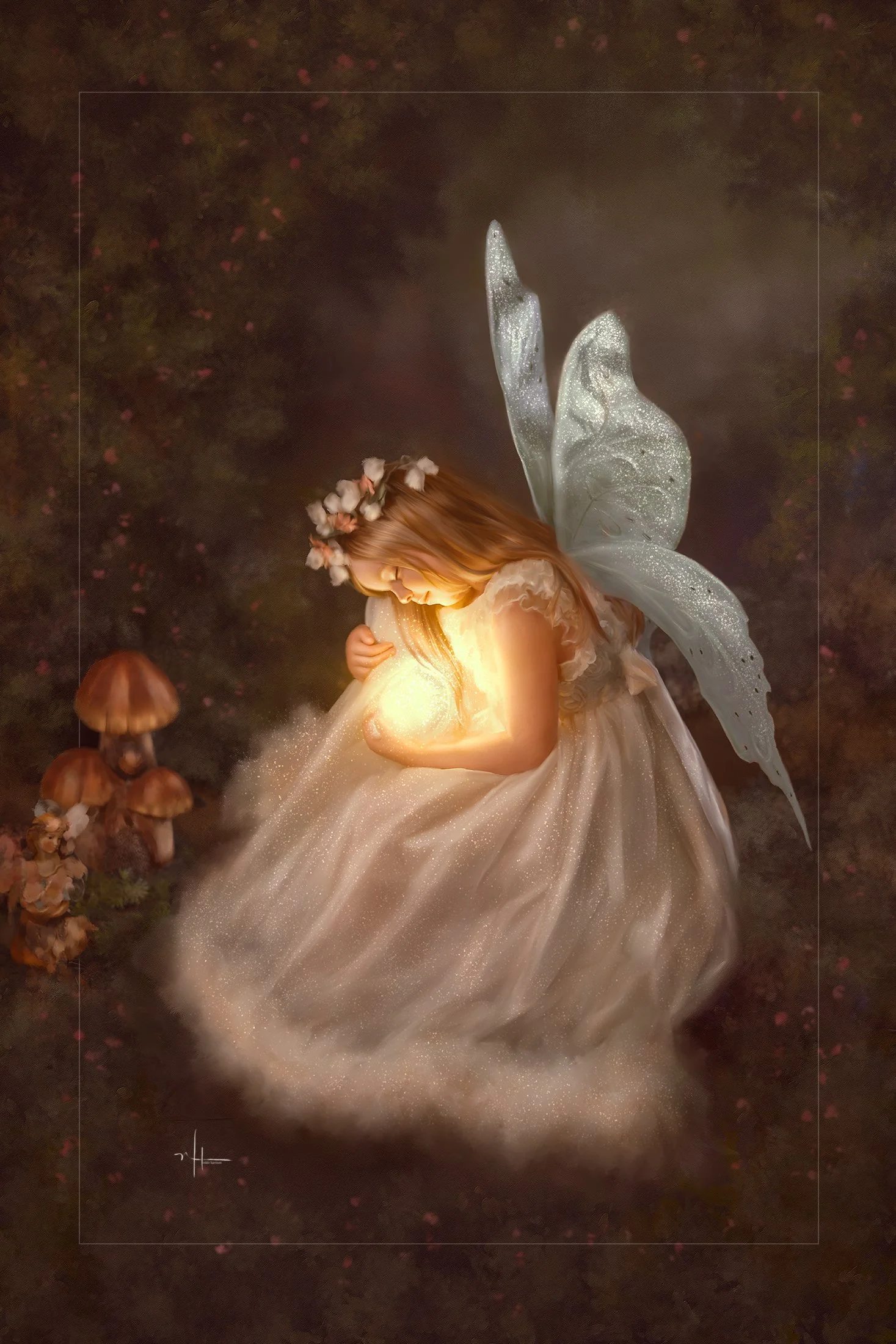
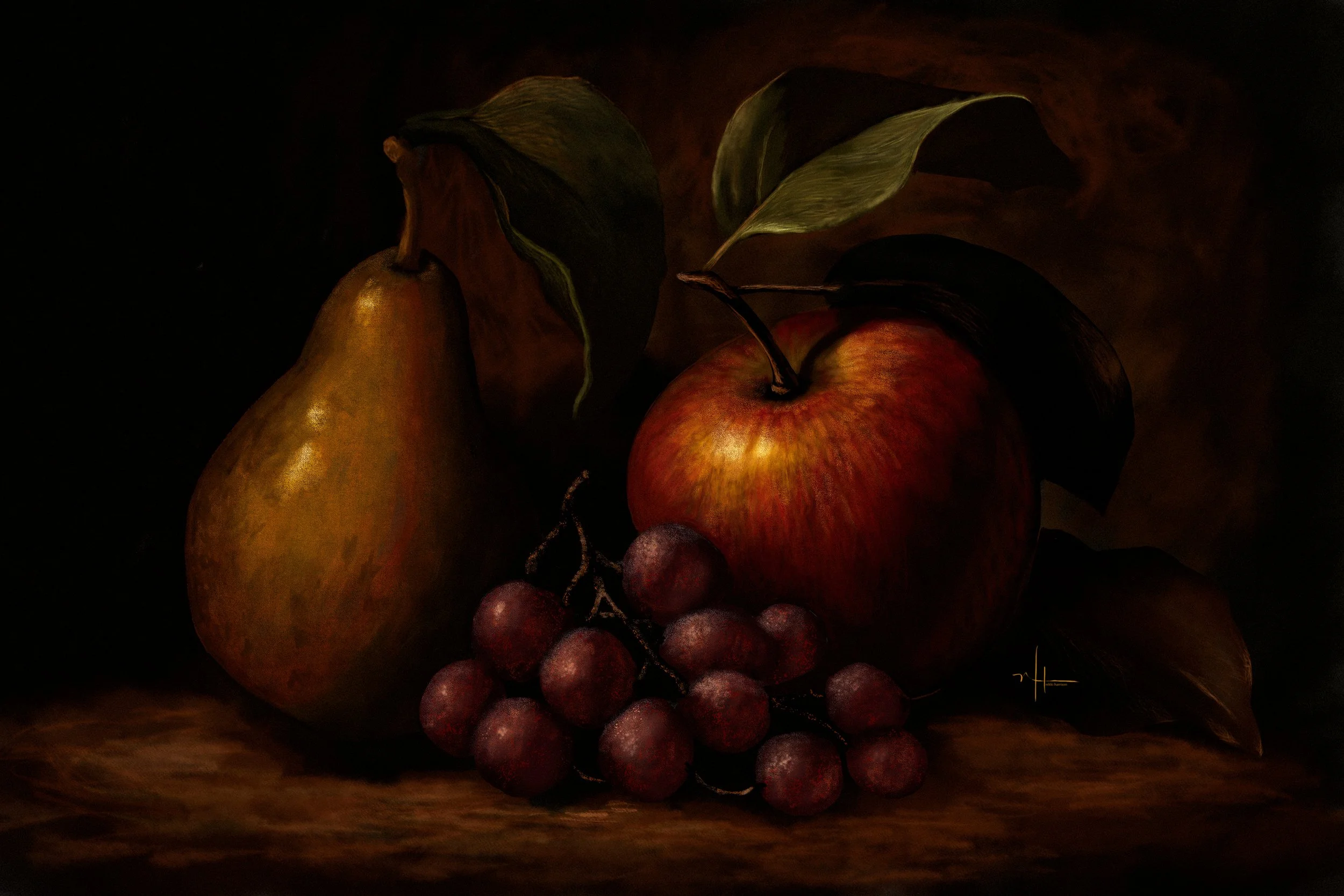
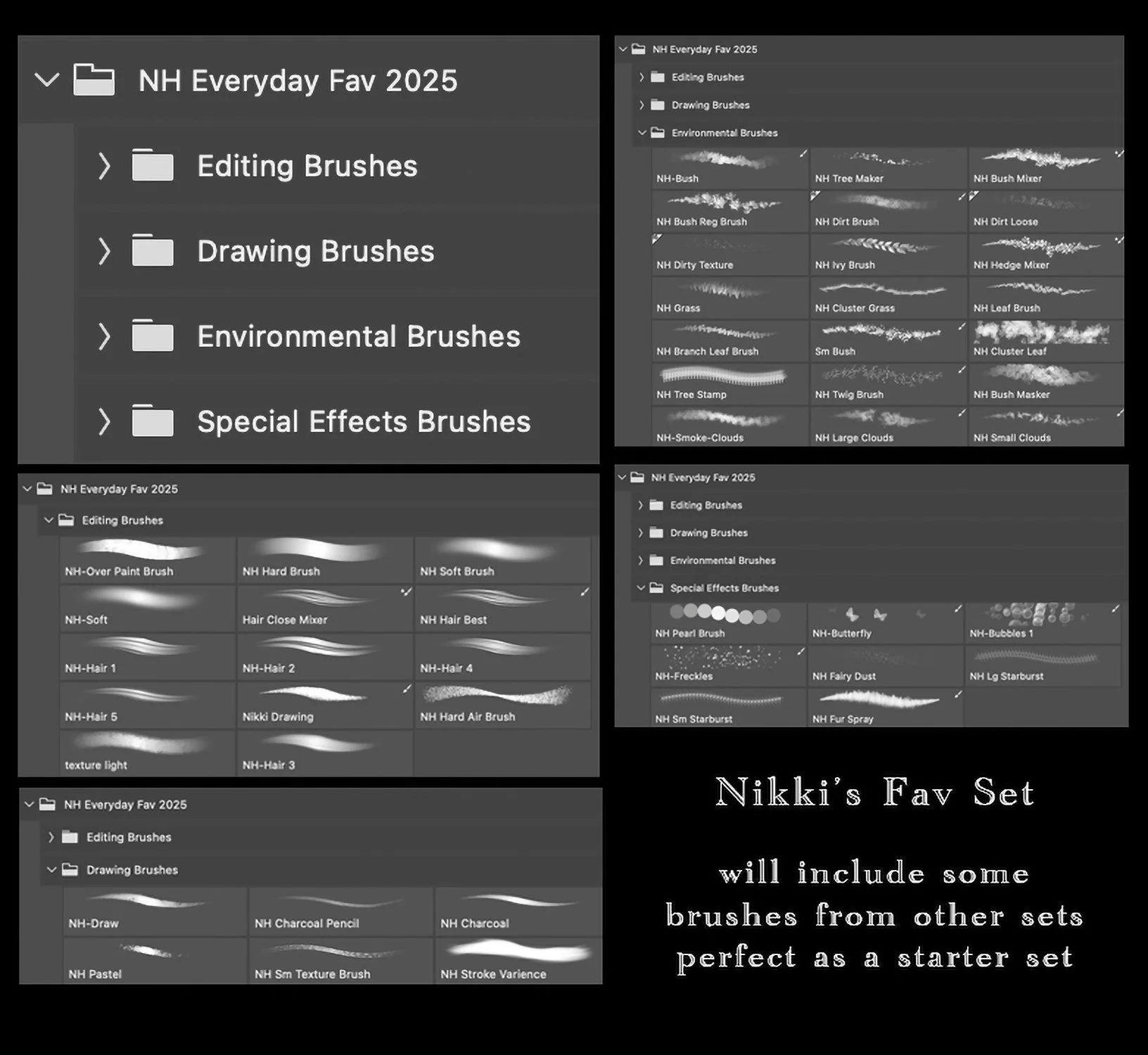
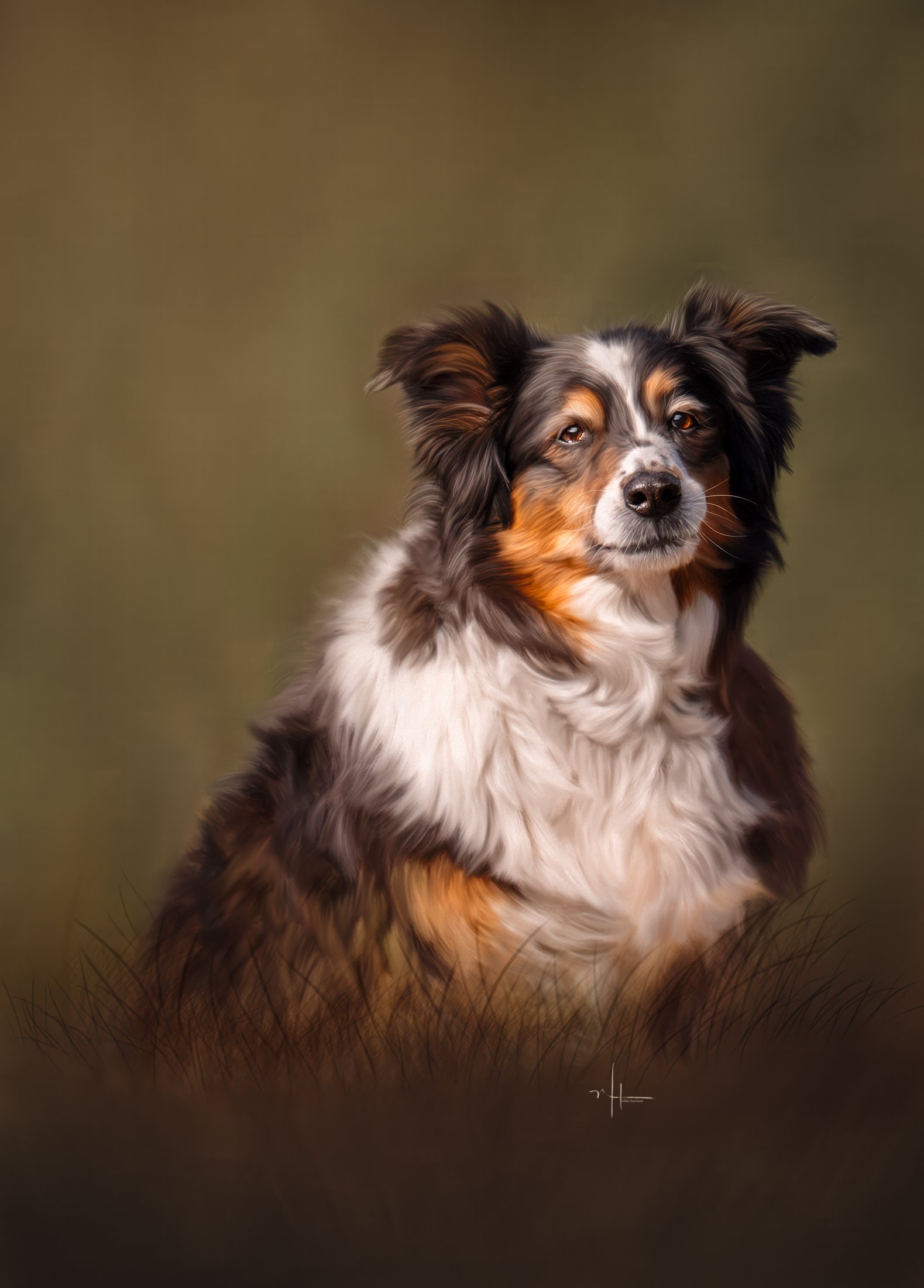
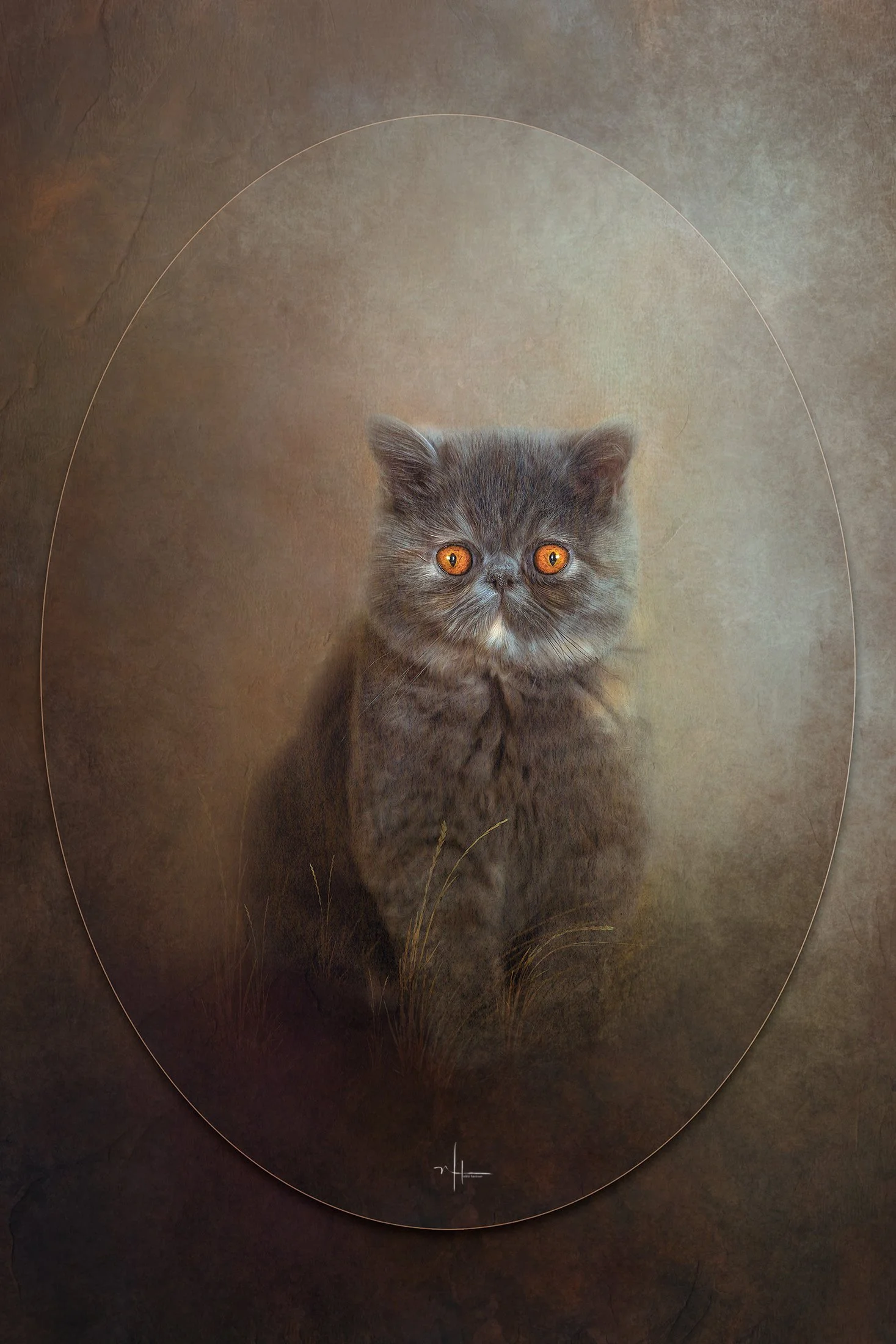
This new set includes:
No Tool Brushes
Cloud-Smoke Brushes
Mixer Brushes
Foliage Brushes
Smudge Brushes
This includes a Layer Style that makes your paint strokes raised and more realistic, it is included as a Library item file.
Directions to install:
Open up your Library in Photoshop (Window-Libraries), Click three lines on top right hand corner of menu, choose Import Library, choose the file from your downloaded, unzipped folder. To apply this layer style to the layer you are working on and want the effect, simply click the style in the Libraries window.
If you experience problems installing this file, please click here.
This set is an add on to the Variety Set, and will add more brushes to your tool box.
This new set includes:
No Tool Brushes
Cloud-Smoke Brushes
Mixer Brushes
Foliage Brushes
Smudge Brushes
This includes a Layer Style that makes your paint strokes raised and more realistic, it is included as a Library item file.
Directions to install:
Open up your Library in Photoshop (Window-Libraries), Click three lines on top right hand corner of menu, choose Import Library, choose the file from your downloaded, unzipped folder. To apply this layer style to the layer you are working on and want the effect, simply click the style in the Libraries window.
If you experience problems installing this file, please click here.
This set is an add on to the Variety Set, and will add more brushes to your tool box.
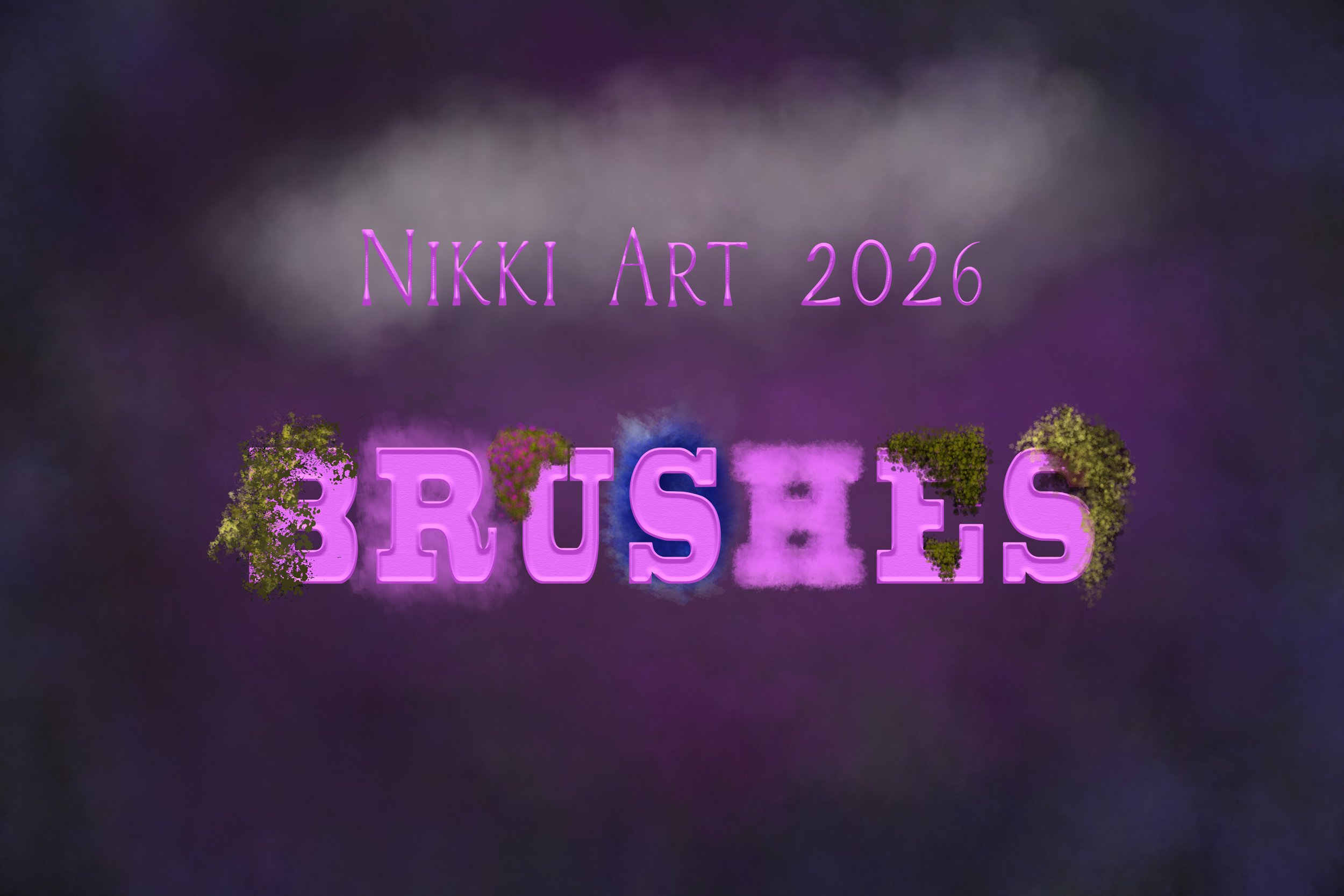 Image 1 of 6
 Image 2 of 6
 Image 3 of 6
 Image 4 of 6
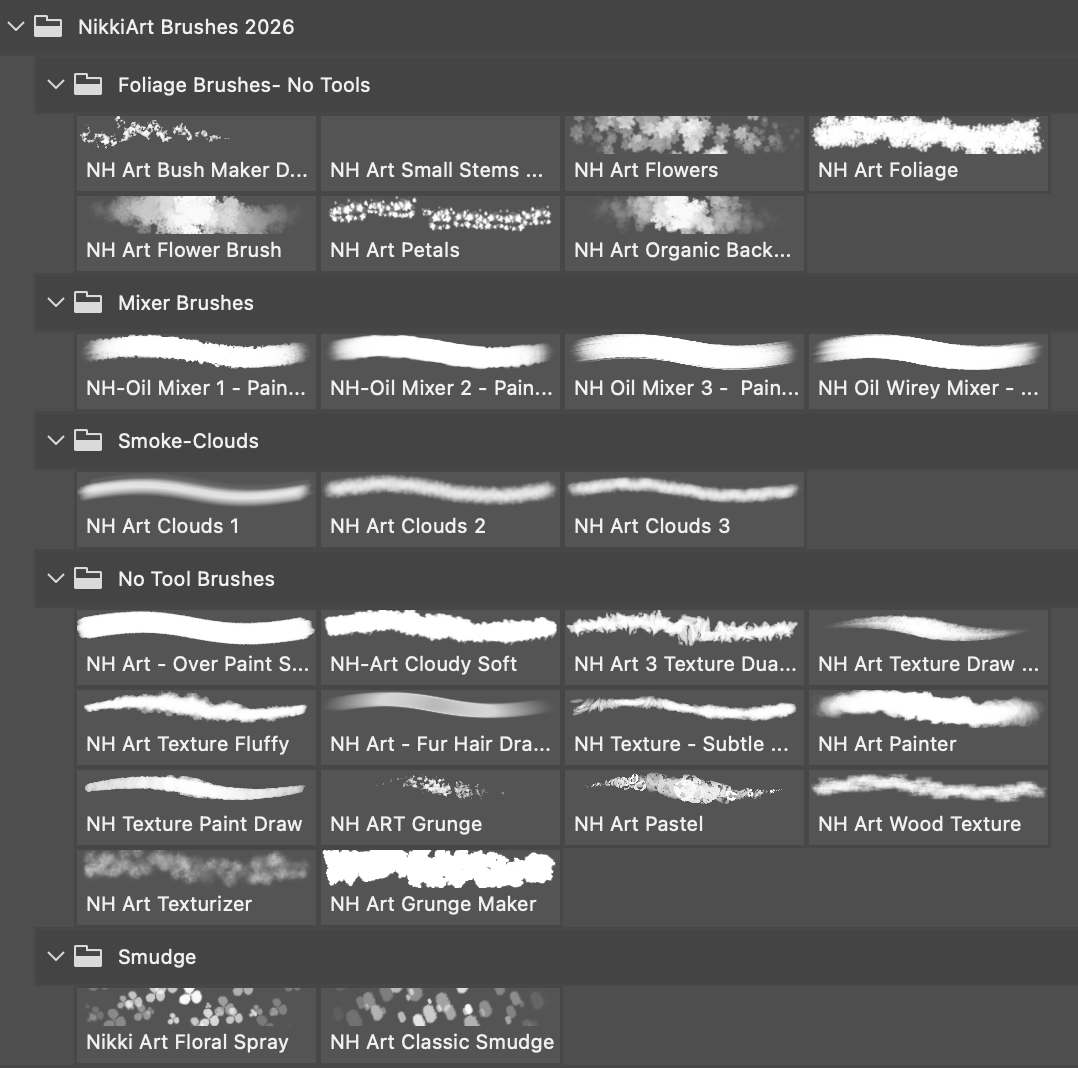 Image 5 of 6
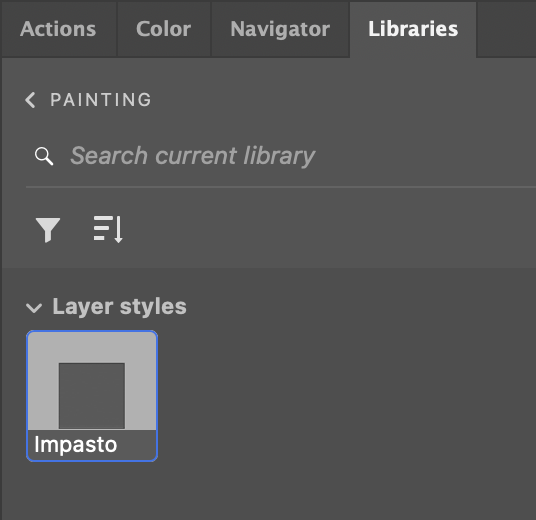 Image 6 of 6