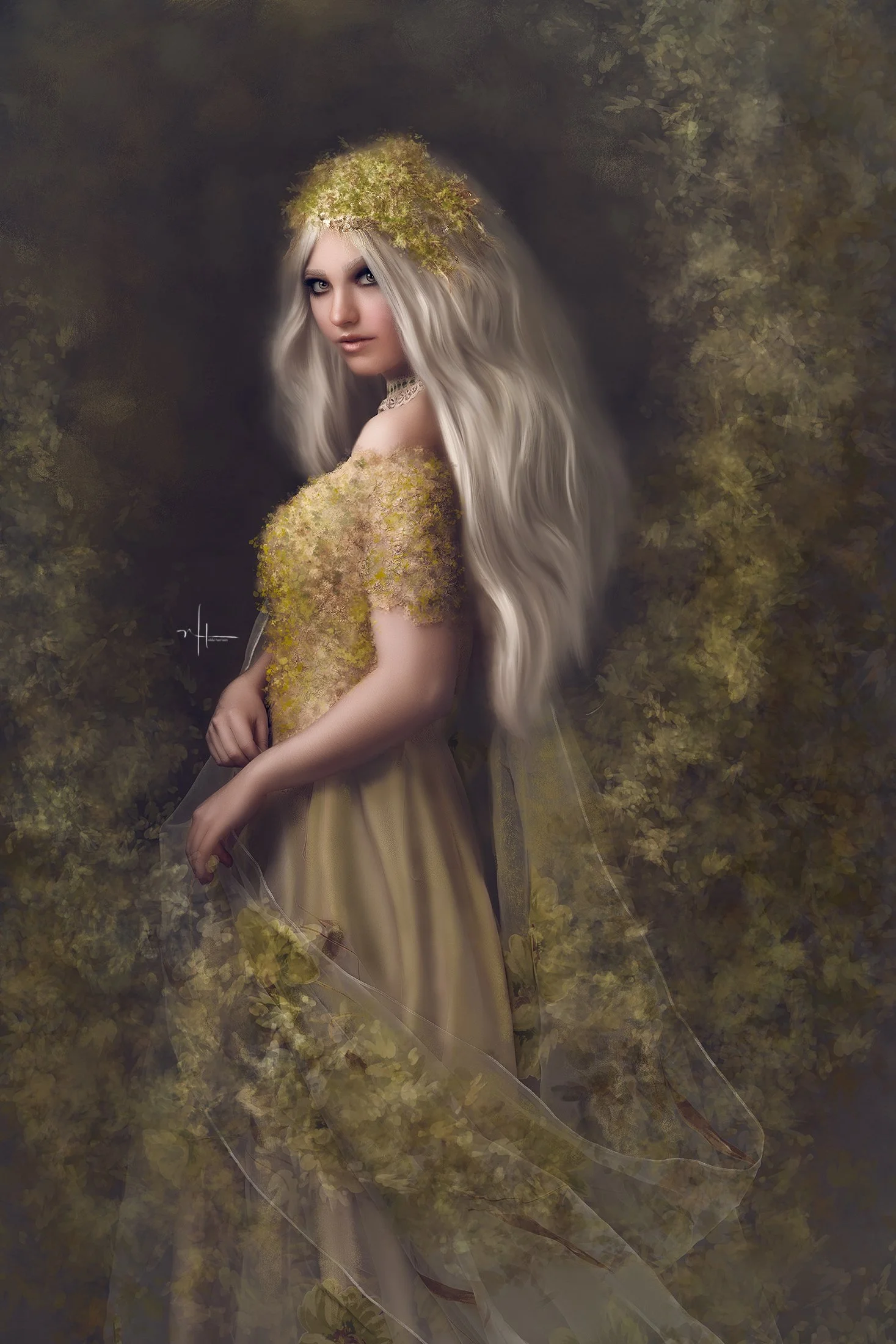
Transform an ordinary studio portrait into a timeless work of art.
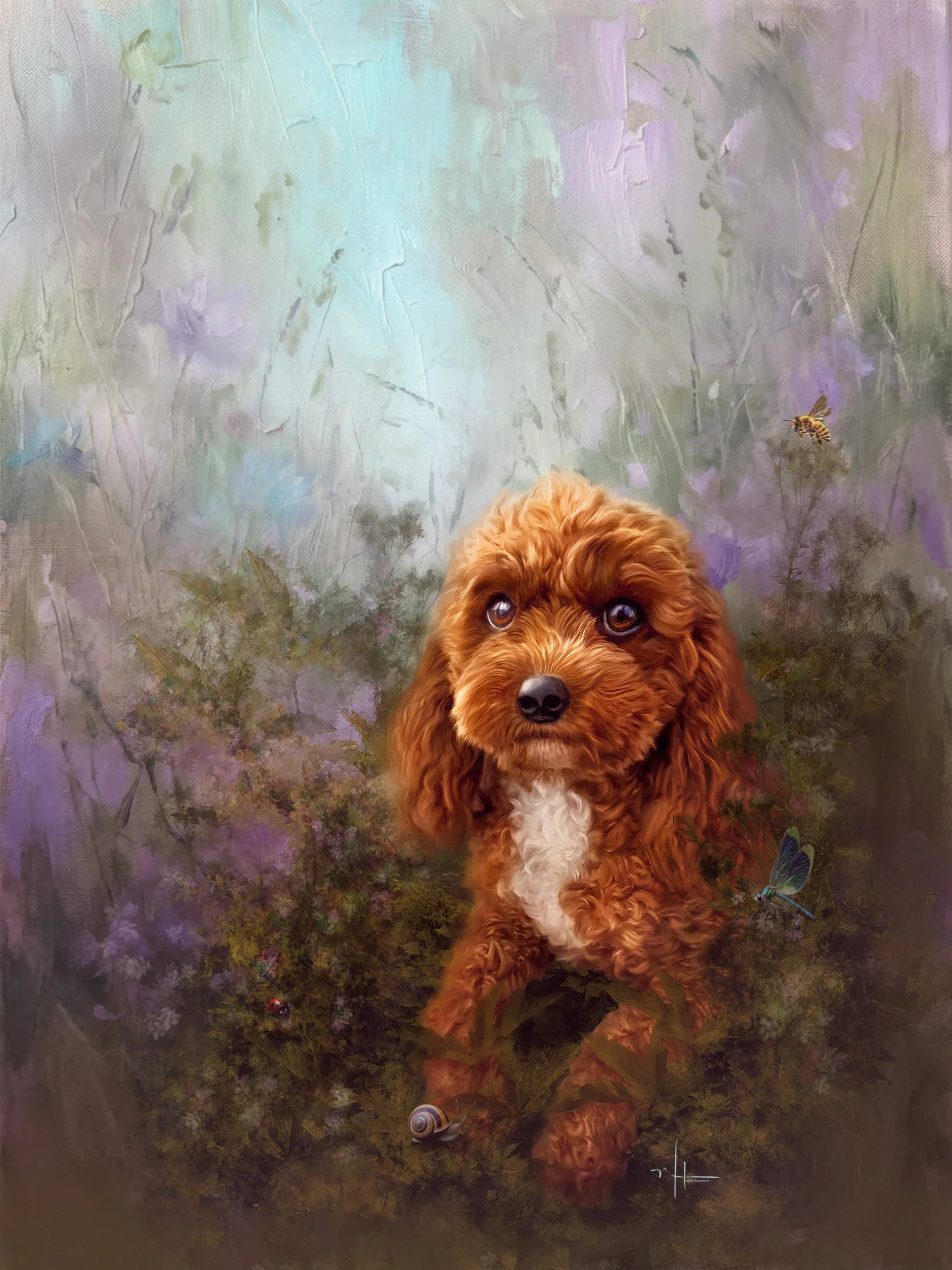
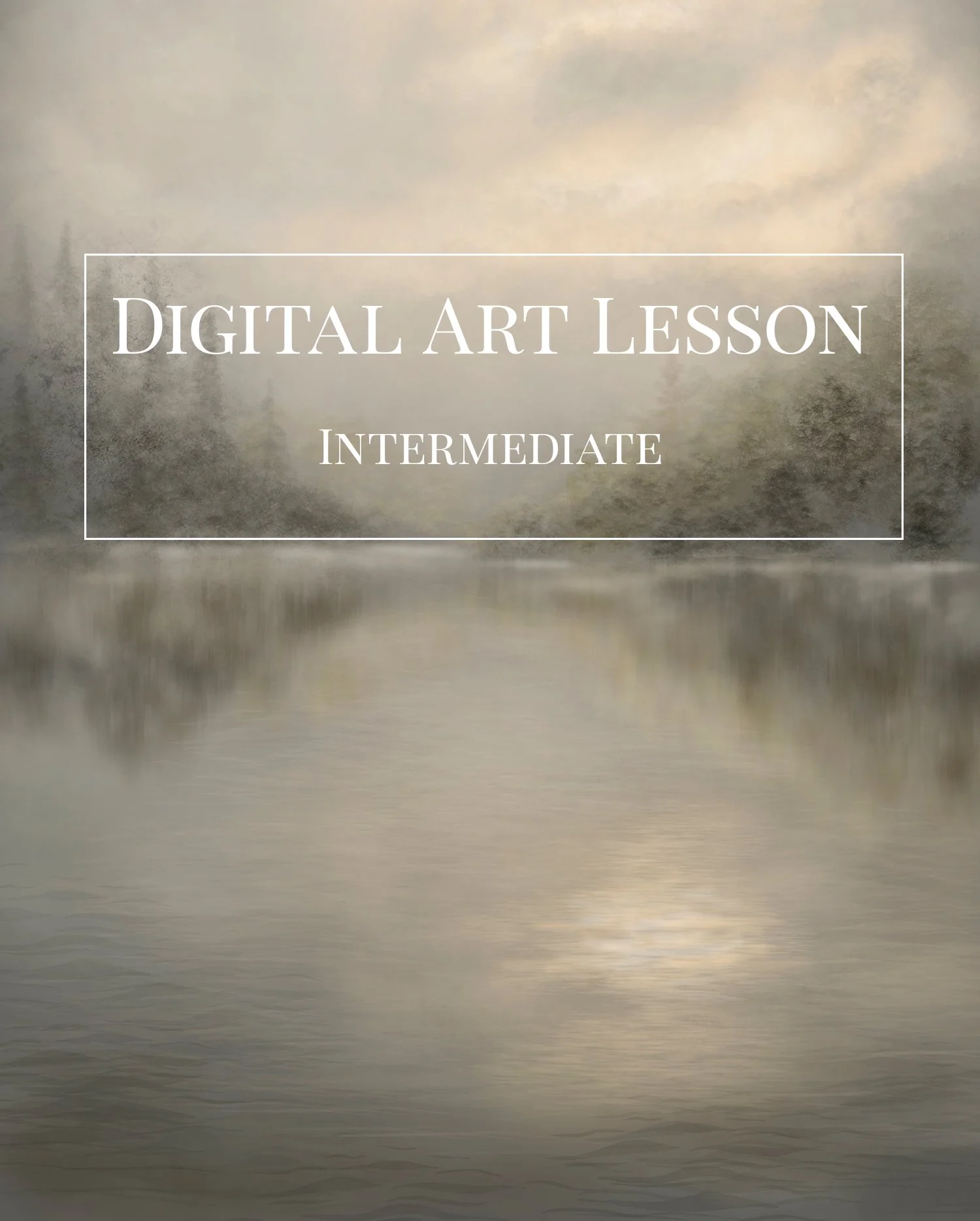
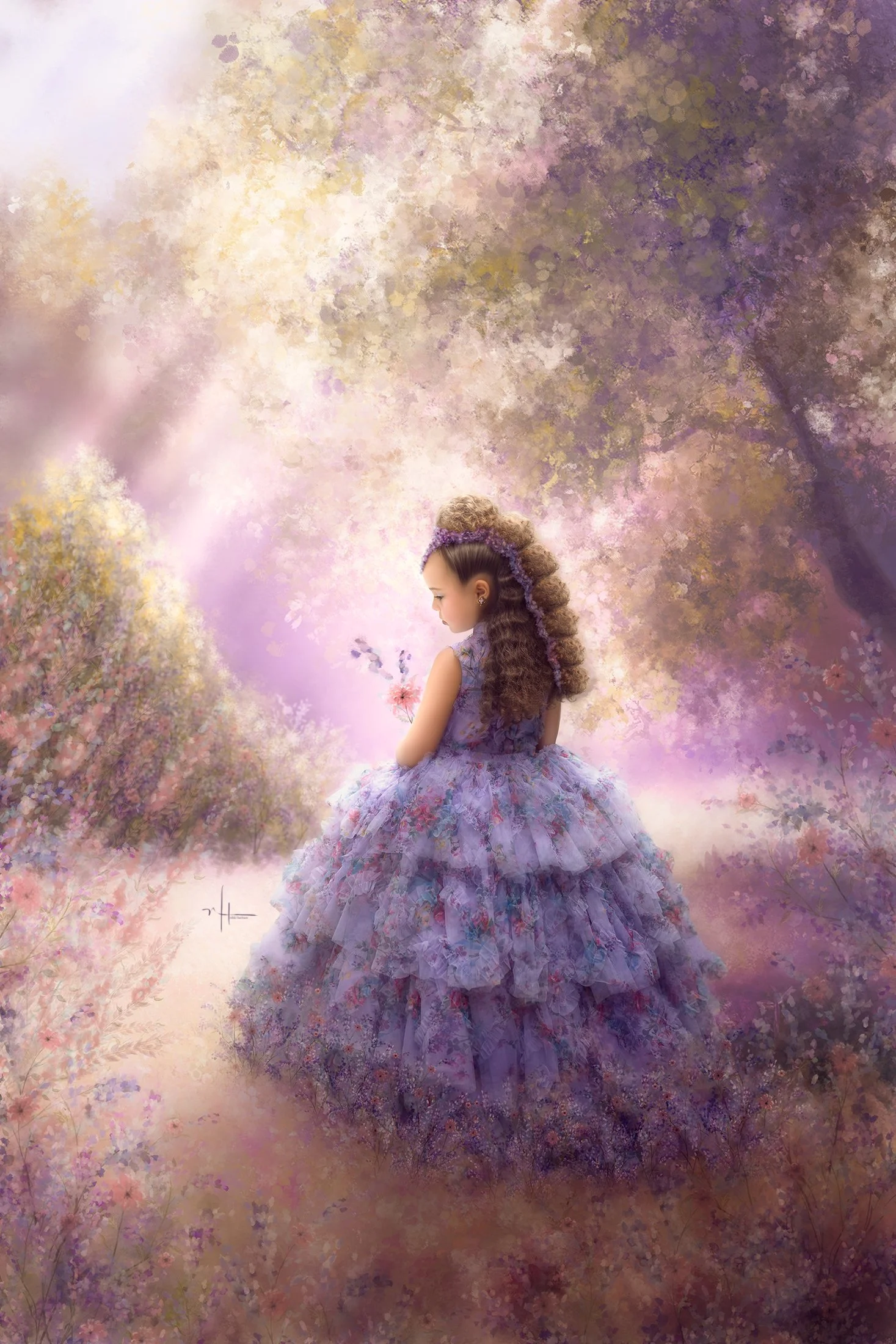
In this creative portrait painting course, you’ll learn how to completely paint away a distracting studio background and replace it with a beautifully soft, painterly environment that enhances your subject rather than competing with it. This is not compositing — it’s true digital painting designed for photographers and artists who want full creative control over mood, atmosphere, and style.
You’ll follow a complete step-by-step workflow inside Photoshop as I demonstrate how to sculpt light, color, and texture to achieve a refined, fine-art portrait finish. By the end of the course, you’ll be able to transform even the most ordinary studio capture into an elegant, gallery-worthy image with depth, softness, and artistic cohesion.
In this course, you’ll learn how to:
• Remove or soften busy studio backgrounds through painting
• Create a harmonious painterly backdrop that supports your subject
• Blend edges for a natural, atmospheric transition
• Enhance skin, fabric, and hair with painterly techniques
• Build depth, glow, and tonal richness
• Develop a cohesive fine-art look from start to finish
I use a selection of my favorite tools throughout the lesson, including brushes from Nikki’s Fav Set and the 2025 Art Set, along with powerful techniques using the Pattern Stamp Tool from the No Tool Set. If you already own these, wonderful — if not, you can still follow along using similar brushes you have on hand.
This course is ideal for photographers and digital artists who want to elevate their portraits beyond standard editing and into the realm of painterly fine art. You’ll discover how freeing it is to no longer be limited by the background you captured — because now, you can paint the one you wish you had.
Create portraits that feel intentional, luminous, and beautifully artistic.
Transform an ordinary studio portrait into a timeless work of art.
In this creative portrait painting course, you’ll learn how to completely paint away a distracting studio background and replace it with a beautifully soft, painterly environment that enhances your subject rather than competing with it. This is not compositing — it’s true digital painting designed for photographers and artists who want full creative control over mood, atmosphere, and style.
You’ll follow a complete step-by-step workflow inside Photoshop as I demonstrate how to sculpt light, color, and texture to achieve a refined, fine-art portrait finish. By the end of the course, you’ll be able to transform even the most ordinary studio capture into an elegant, gallery-worthy image with depth, softness, and artistic cohesion.
In this course, you’ll learn how to:
• Remove or soften busy studio backgrounds through painting
• Create a harmonious painterly backdrop that supports your subject
• Blend edges for a natural, atmospheric transition
• Enhance skin, fabric, and hair with painterly techniques
• Build depth, glow, and tonal richness
• Develop a cohesive fine-art look from start to finish
I use a selection of my favorite tools throughout the lesson, including brushes from Nikki’s Fav Set and the 2025 Art Set, along with powerful techniques using the Pattern Stamp Tool from the No Tool Set. If you already own these, wonderful — if not, you can still follow along using similar brushes you have on hand.
This course is ideal for photographers and digital artists who want to elevate their portraits beyond standard editing and into the realm of painterly fine art. You’ll discover how freeing it is to no longer be limited by the background you captured — because now, you can paint the one you wish you had.
Create portraits that feel intentional, luminous, and beautifully artistic.
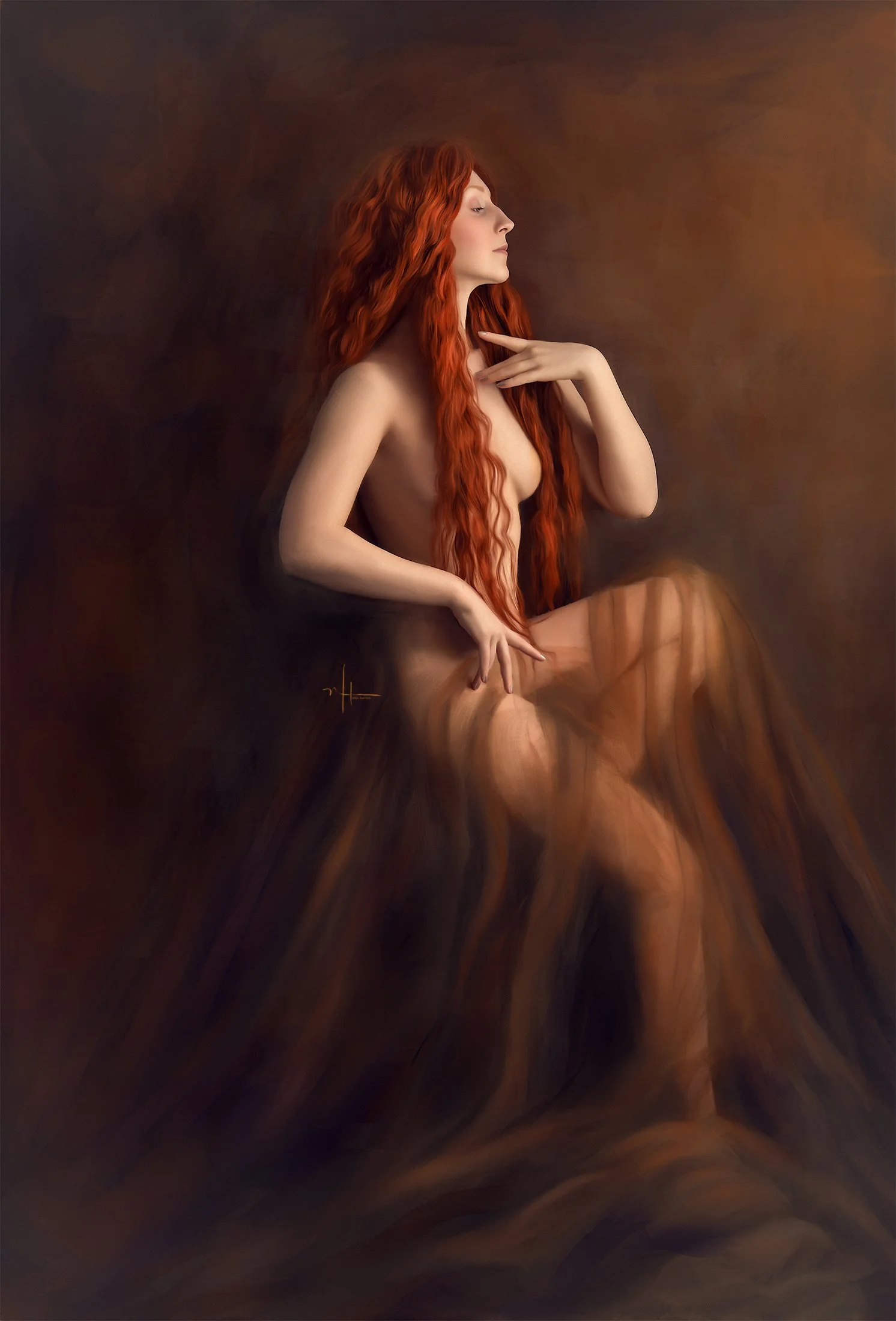 Image 1 of 1