 Image 1 of 1
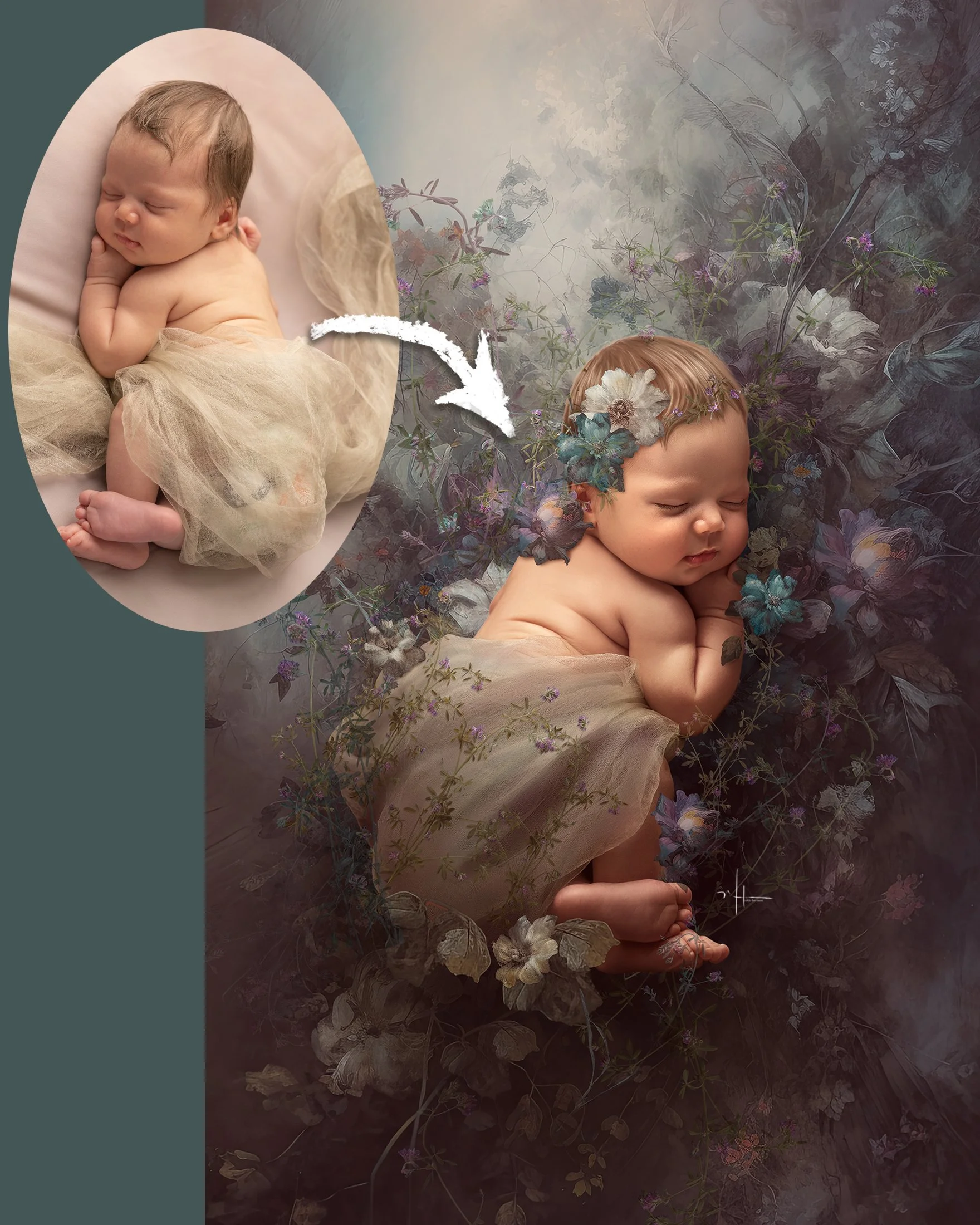
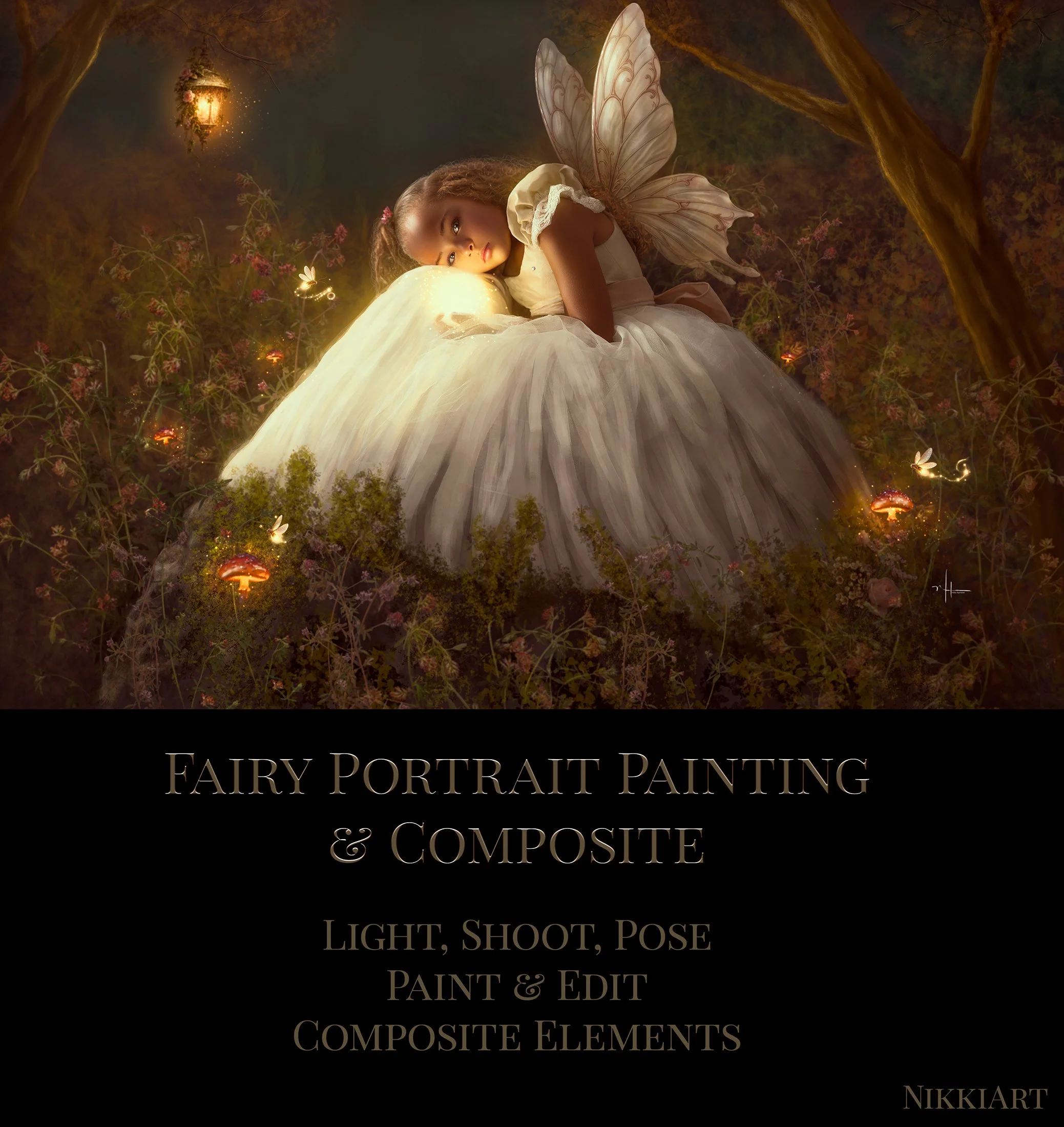
Create a magical fine art fairy portrait from the original photograph all the way through to the finished painterly composite.
In this lesson, I take you through my complete process for creating this enchanted fairy portrait, beginning with the photography itself. We'll look at how I light and pose the subject with the finished artwork in mind, then move into Photoshop to transform the original portrait into a richly painted fantasy scene.
I'll show you how I build the environment around the subject, incorporate fairy wings and magical elements, add foliage and atmosphere, and most importantly, blend everything together so the finished piece feels like one cohesive work of art rather than a collection of added elements.
You'll also see how I use my brushes to paint and soften the original photograph, build texture with charcoal brushes, reshape and embellish the environment with foliage, and use light, colour and finishing techniques to create that warm, luminous storybook quality.
How I light and photograph a portrait specifically for a fine art composite
Posing considerations that make adding wings and fantasy elements easier
How I begin painting and transforming the original photograph
Building a believable fantasy environment around your subject
Adding and blending fairy wings and composite elements
Using foliage, branches and leaves to create depth and frame the portrait
Using charcoal texture to add a more organic, painterly finish
Creating glowing light, atmosphere and magical details
Matching colour and light across multiple elements
Final painting and toning techniques that bring the entire image together
This lesson is ideal for photographers and digital artists who want to move beyond simply placing elements into a photograph and learn how to paint, blend and unify a composite into a finished fine art portrait.
During the lesson I use the Fairy Portrait Asset Set, Nikki's Fav Set Brushes, Charcoal Brushes Set #1, Charcoal Brushes Set #2, and Ultimate Foliage Set: Branches & Leaves plus the Flowering Weed Set for the floral overlays, Bloom Effect Action and you also have the option to use Exposure Software for final tweaks before color toning.
Please note: These asset and brush sets, as well as actions are not included with the lesson and are sold separately.
You can also follow the techniques using your own photographs, brushes and fantasy elements. The real focus of the lesson is learning the process and techniques, so you can take what you learn and create completely original fairy portraits of your own.
Skill Level: Intermediate / Advanced
Software: Adobe Photoshop
Create a magical fine art fairy portrait from the original photograph all the way through to the finished painterly composite.
In this lesson, I take you through my complete process for creating this enchanted fairy portrait, beginning with the photography itself. We'll look at how I light and pose the subject with the finished artwork in mind, then move into Photoshop to transform the original portrait into a richly painted fantasy scene.
I'll show you how I build the environment around the subject, incorporate fairy wings and magical elements, add foliage and atmosphere, and most importantly, blend everything together so the finished piece feels like one cohesive work of art rather than a collection of added elements.
You'll also see how I use my brushes to paint and soften the original photograph, build texture with charcoal brushes, reshape and embellish the environment with foliage, and use light, colour and finishing techniques to create that warm, luminous storybook quality.
How I light and photograph a portrait specifically for a fine art composite
Posing considerations that make adding wings and fantasy elements easier
How I begin painting and transforming the original photograph
Building a believable fantasy environment around your subject
Adding and blending fairy wings and composite elements
Using foliage, branches and leaves to create depth and frame the portrait
Using charcoal texture to add a more organic, painterly finish
Creating glowing light, atmosphere and magical details
Matching colour and light across multiple elements
Final painting and toning techniques that bring the entire image together
This lesson is ideal for photographers and digital artists who want to move beyond simply placing elements into a photograph and learn how to paint, blend and unify a composite into a finished fine art portrait.
During the lesson I use the Fairy Portrait Asset Set, Nikki's Fav Set Brushes, Charcoal Brushes Set #1, Charcoal Brushes Set #2, and Ultimate Foliage Set: Branches & Leaves plus the Flowering Weed Set for the floral overlays, Bloom Effect Action and you also have the option to use Exposure Software for final tweaks before color toning.
Please note: These asset and brush sets, as well as actions are not included with the lesson and are sold separately.
You can also follow the techniques using your own photographs, brushes and fantasy elements. The real focus of the lesson is learning the process and techniques, so you can take what you learn and create completely original fairy portraits of your own.
Skill Level: Intermediate / Advanced
Software: Adobe Photoshop