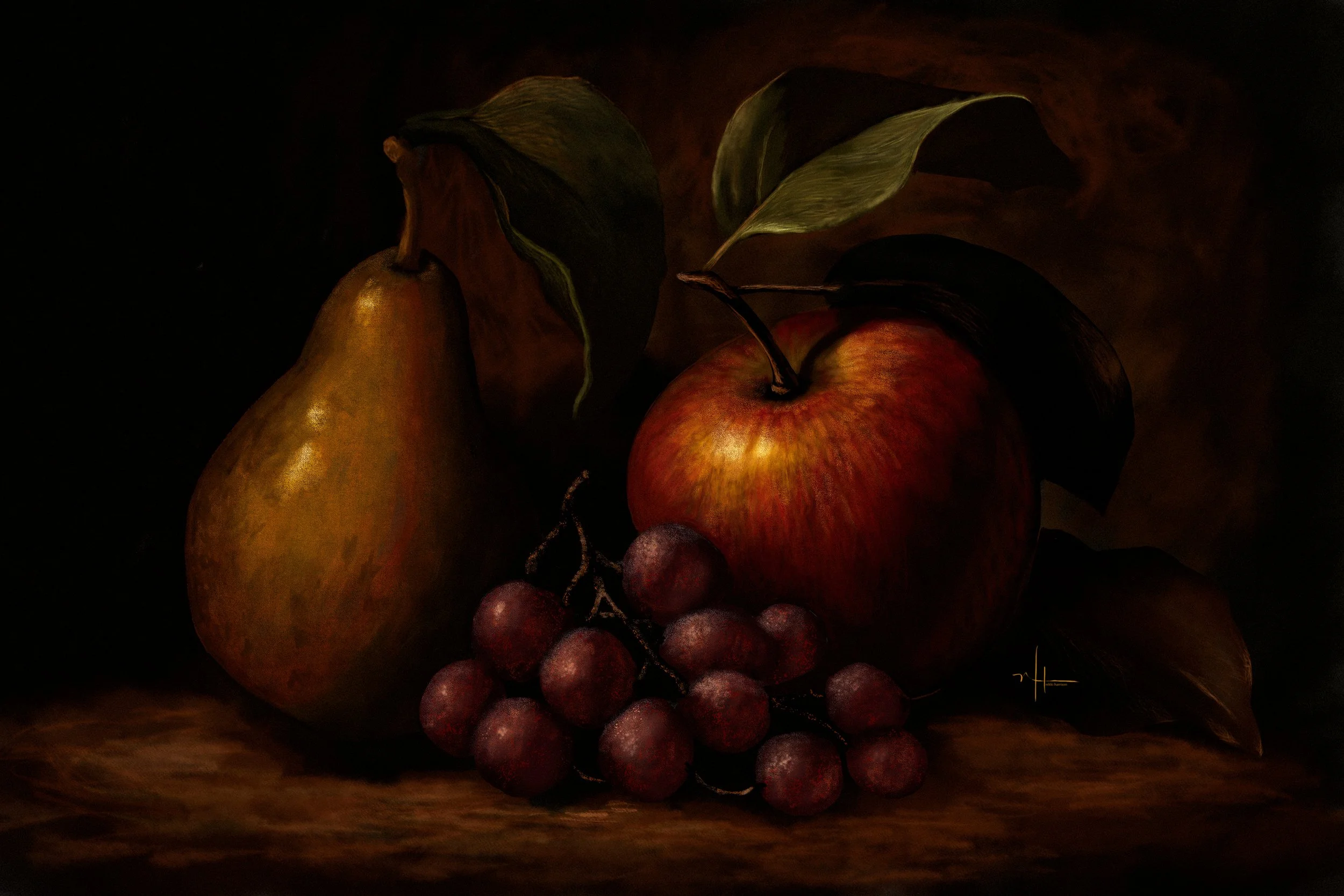
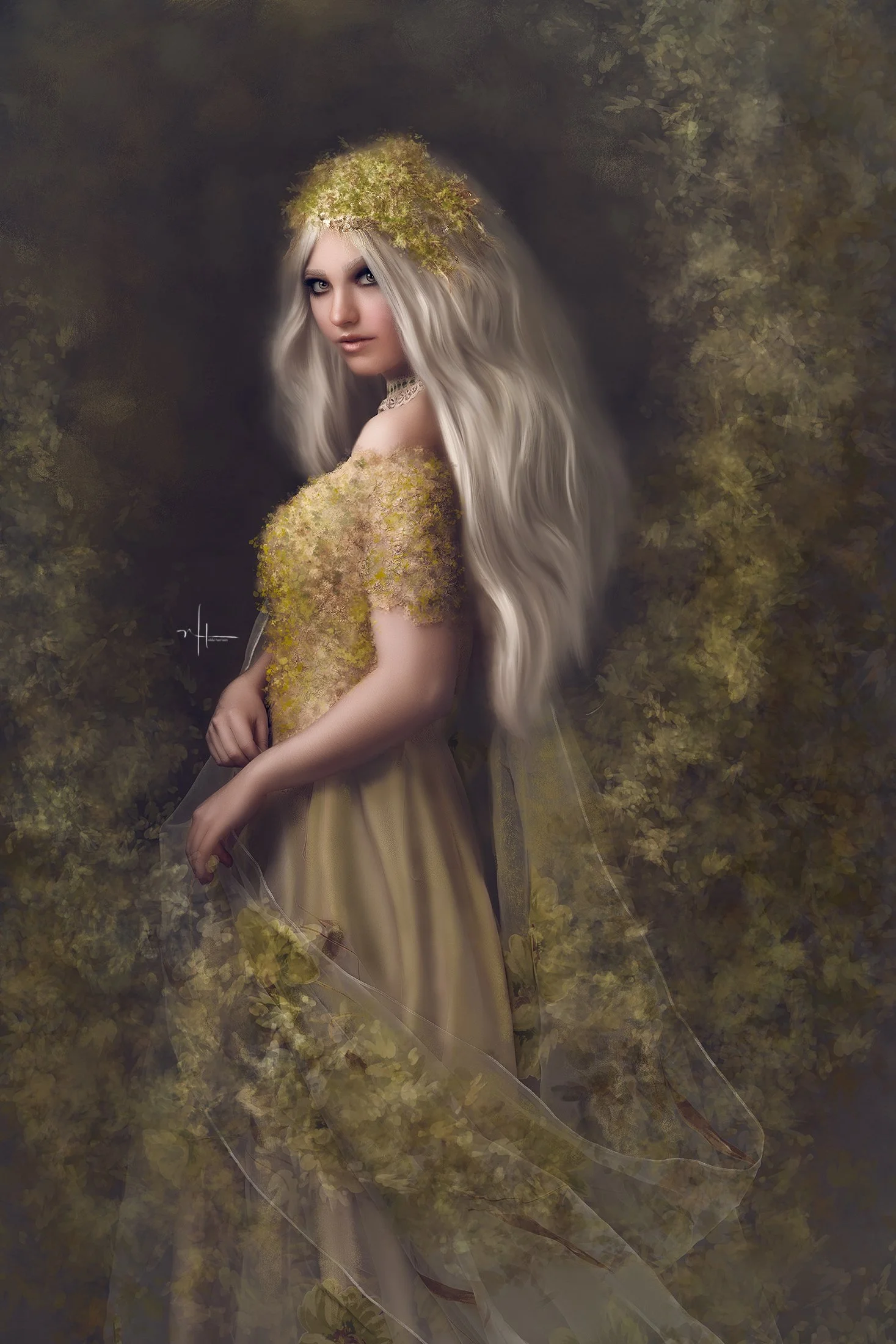
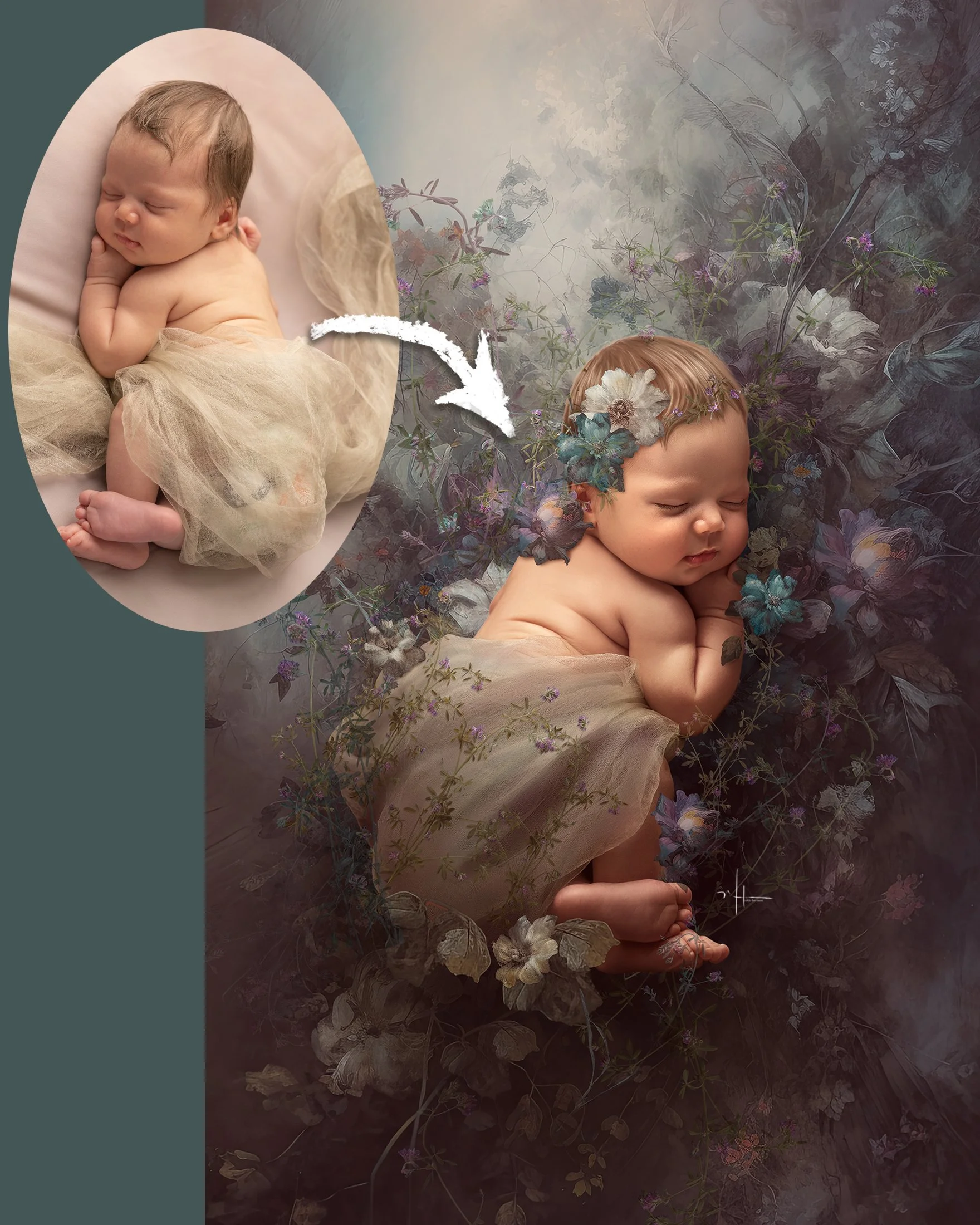
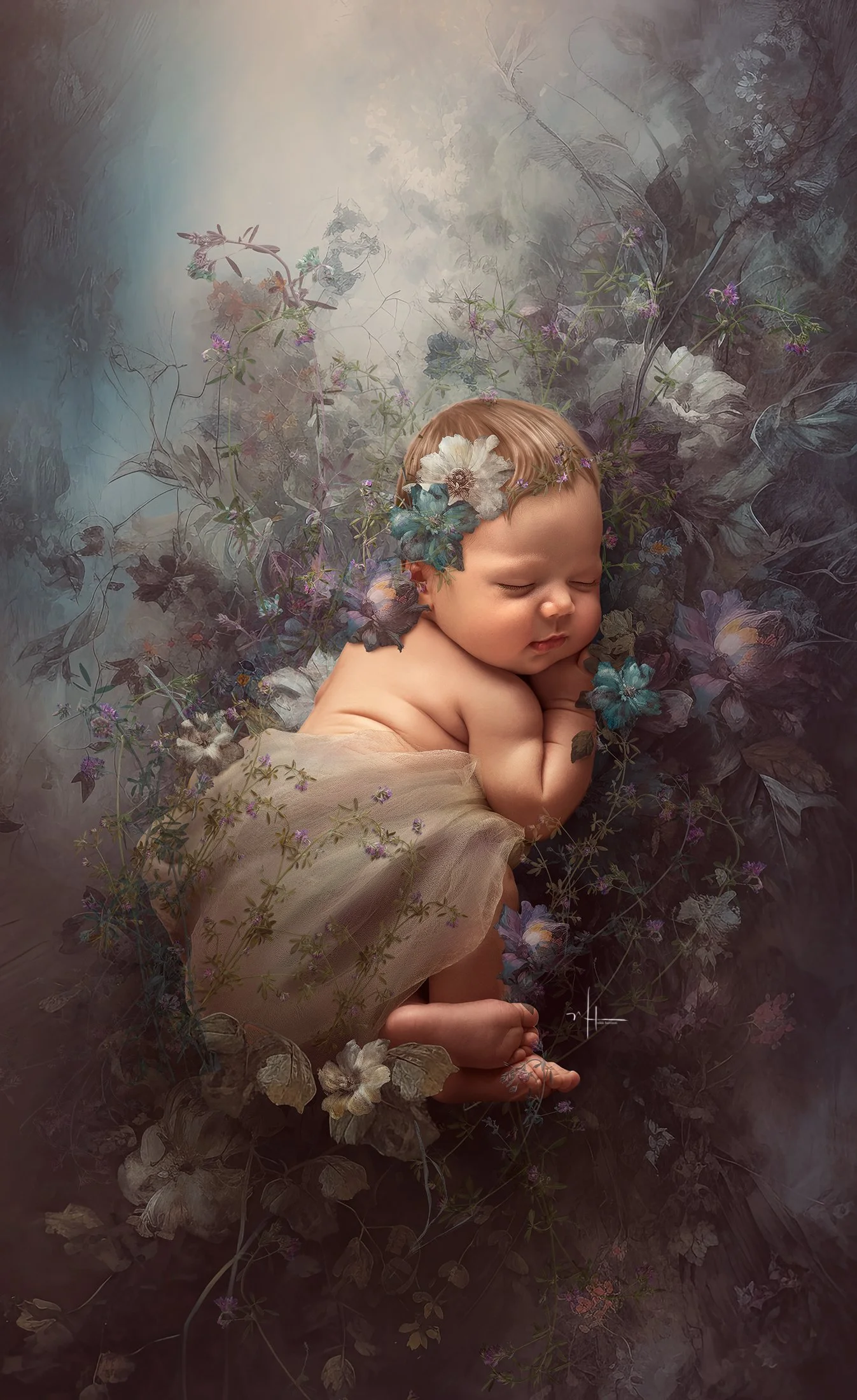
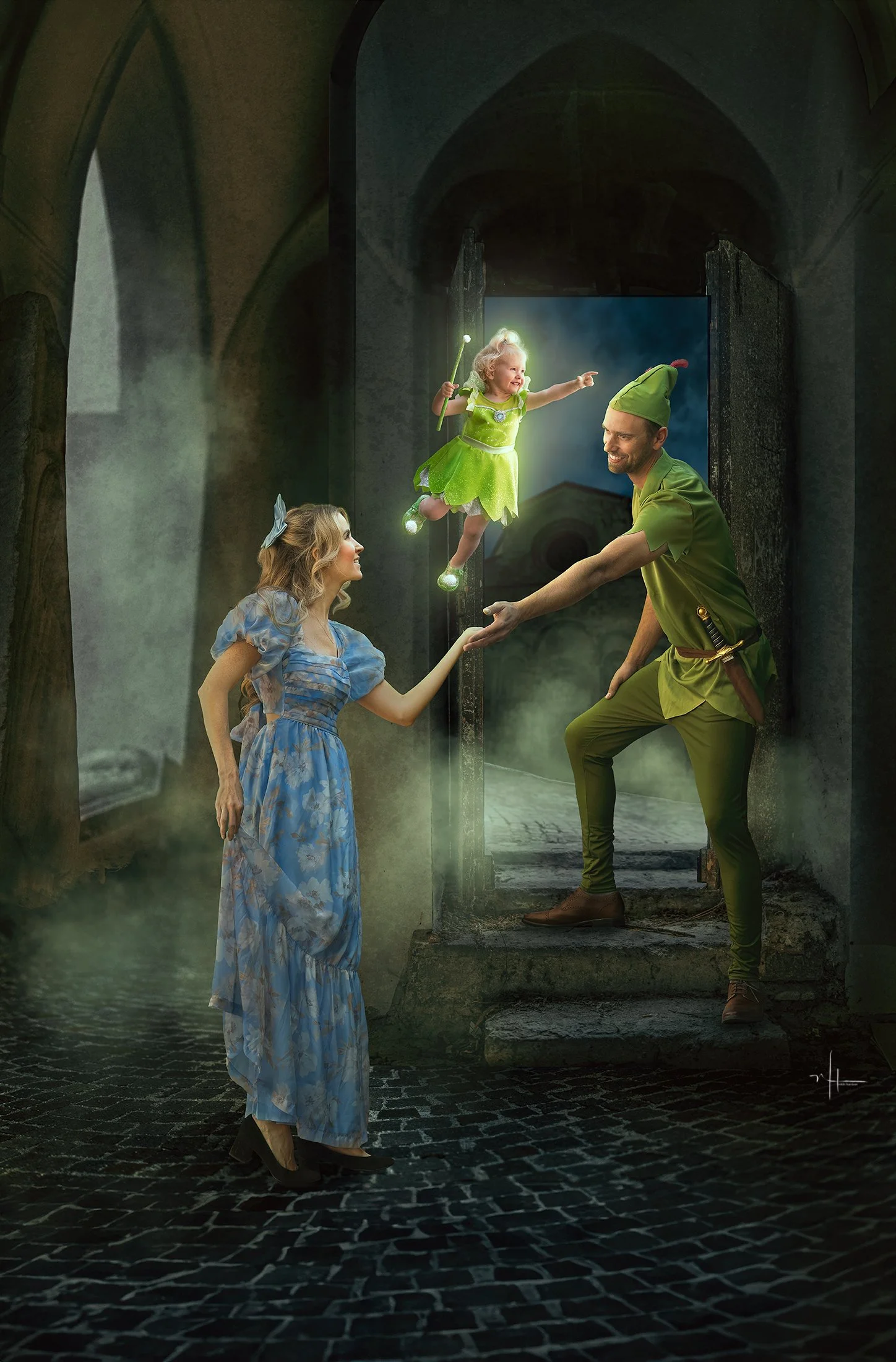
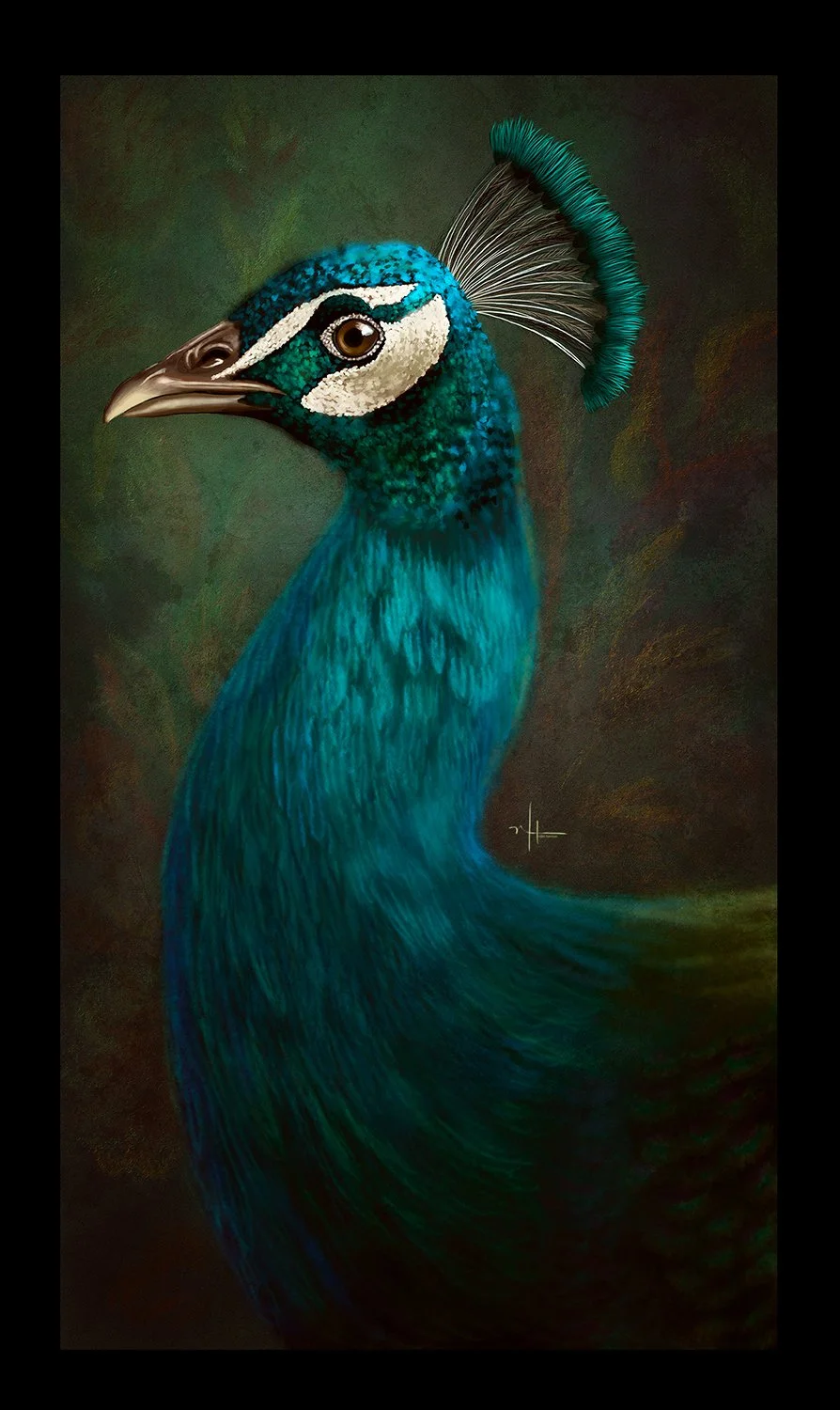
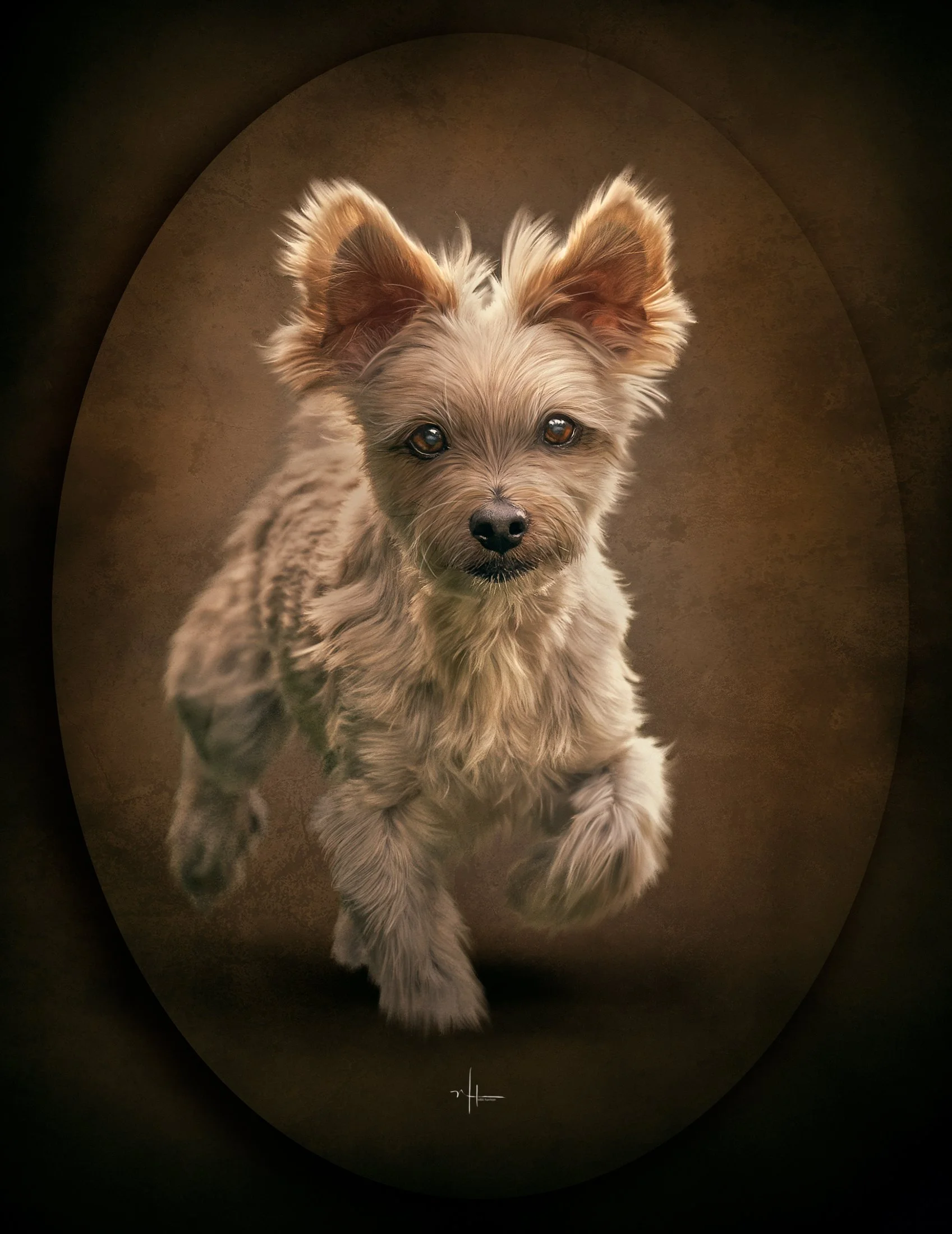
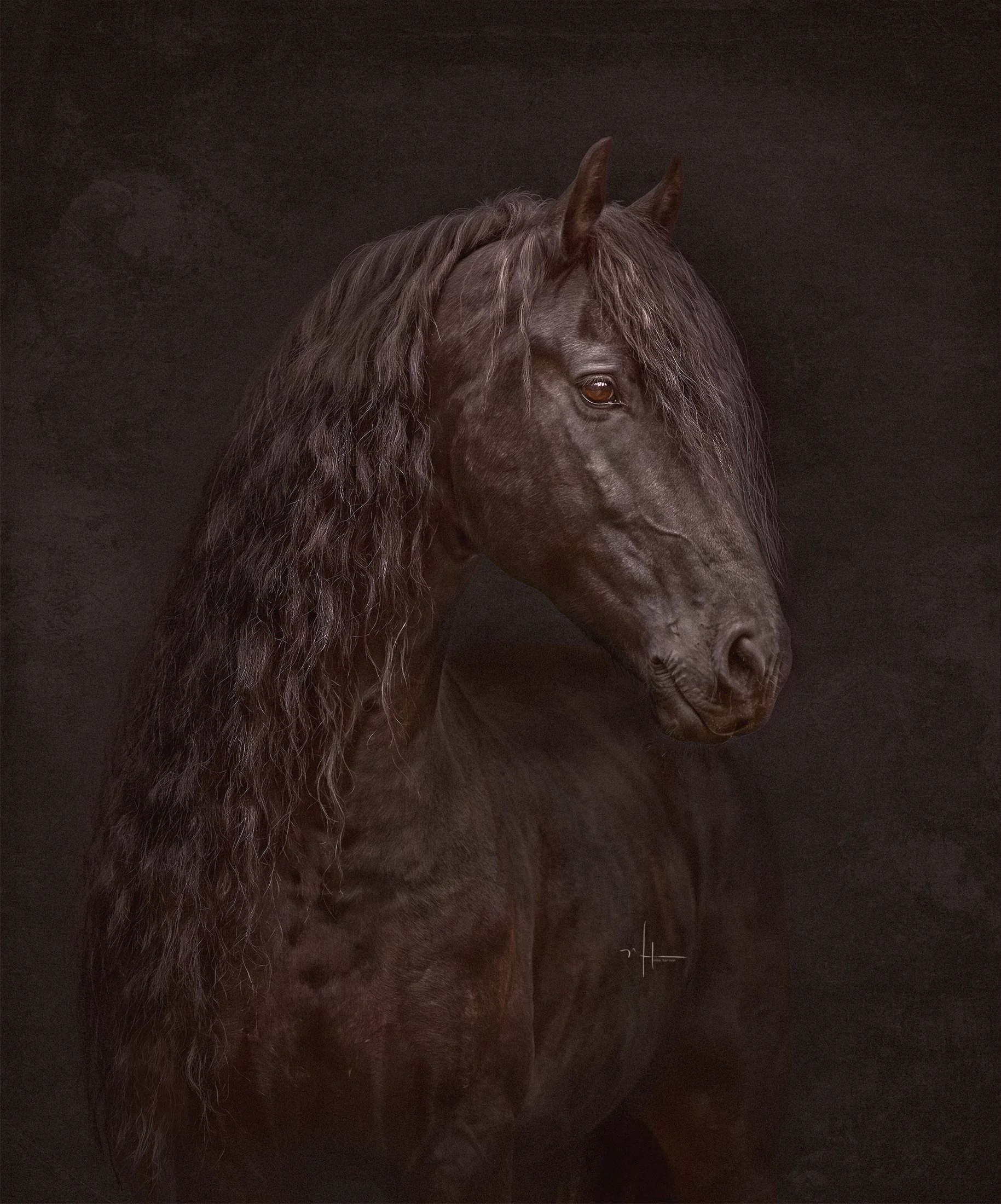
Step into a dreamy painterly world of soft florals, glowing light, and delicate storytelling in this enchanting new lesson. In this lesson you’ll learn how to transform an ordinary portrait into a romantic fine art composite filled with atmosphere, texture, and emotion.
Over the course of 2+ hours of in-depth instruction, I walk you through my complete creative workflow using Photoshop techniques that blend photography and digital painting seamlessly together.
In this lesson you’ll learn how to:
Use the Mixer Brush Tool to create soft painterly blending and flowing texture
Work with the Pattern Stamp Tool to unify your artwork and create an artistic finish
Incorporate floral overlays naturally into your scene for depth and storytelling
Build a cohesive color palette with dreamy lavender and pastel tones
Create light, dimension, and atmosphere using digital art techniques
Blend photographic elements into a fully artistic composition without losing realism
Included with this lesson:
Brushes are not included, however many of the brushes used in this lesson are available separately in my store if you’d like to follow along with the exact tools I use.
This lesson is perfect for photographers and digital artists who want to move beyond traditional editing and create imaginative, painterly portraits with a whimsical fine art feel..
Step into a dreamy painterly world of soft florals, glowing light, and delicate storytelling in this enchanting new lesson. In this lesson you’ll learn how to transform an ordinary portrait into a romantic fine art composite filled with atmosphere, texture, and emotion.
Over the course of 2+ hours of in-depth instruction, I walk you through my complete creative workflow using Photoshop techniques that blend photography and digital painting seamlessly together.
In this lesson you’ll learn how to:
Use the Mixer Brush Tool to create soft painterly blending and flowing texture
Work with the Pattern Stamp Tool to unify your artwork and create an artistic finish
Incorporate floral overlays naturally into your scene for depth and storytelling
Build a cohesive color palette with dreamy lavender and pastel tones
Create light, dimension, and atmosphere using digital art techniques
Blend photographic elements into a fully artistic composition without losing realism
Included with this lesson:
Brushes are not included, however many of the brushes used in this lesson are available separately in my store if you’d like to follow along with the exact tools I use.
This lesson is perfect for photographers and digital artists who want to move beyond traditional editing and create imaginative, painterly portraits with a whimsical fine art feel..
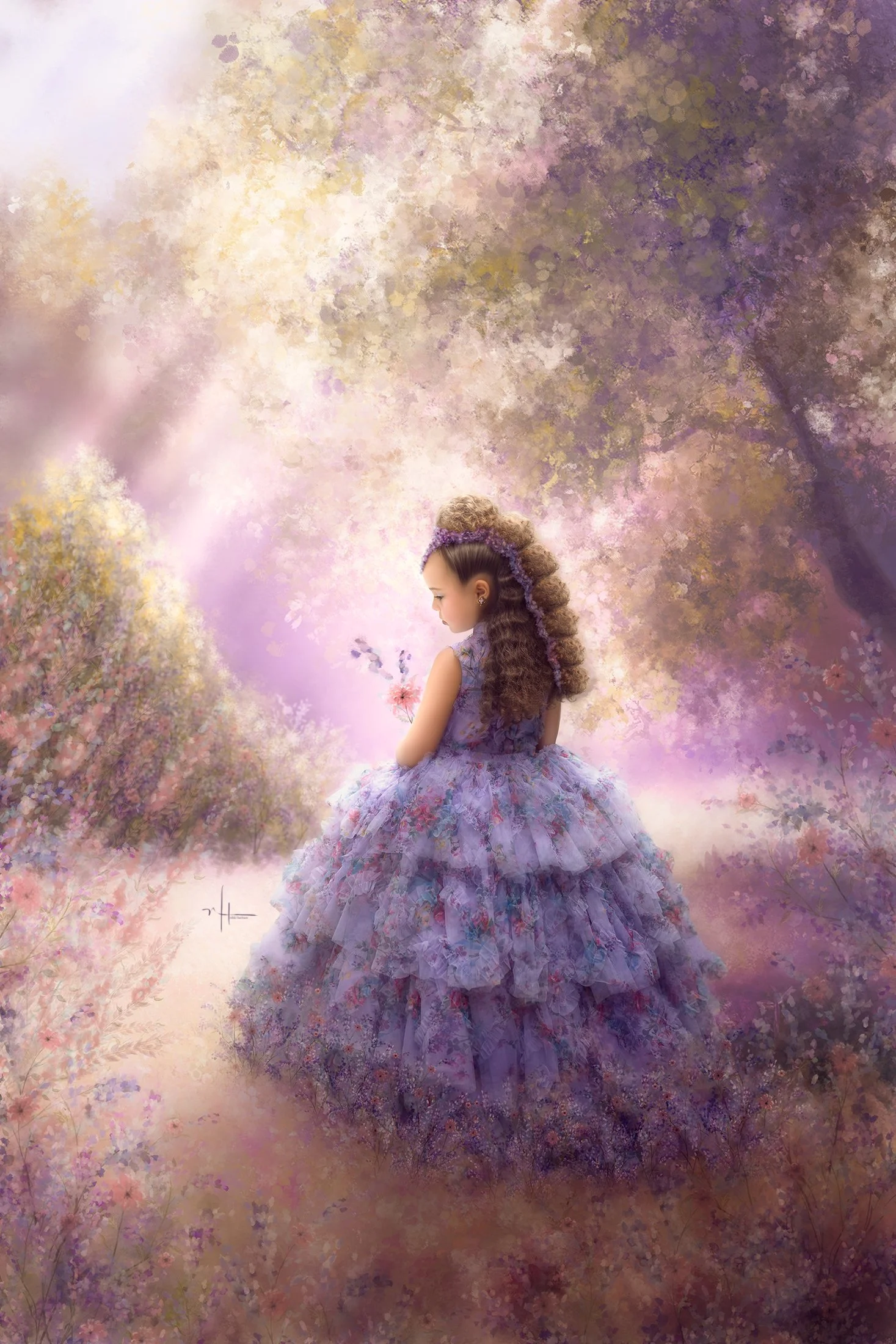 Image 1 of 1