 Image 1 of 2
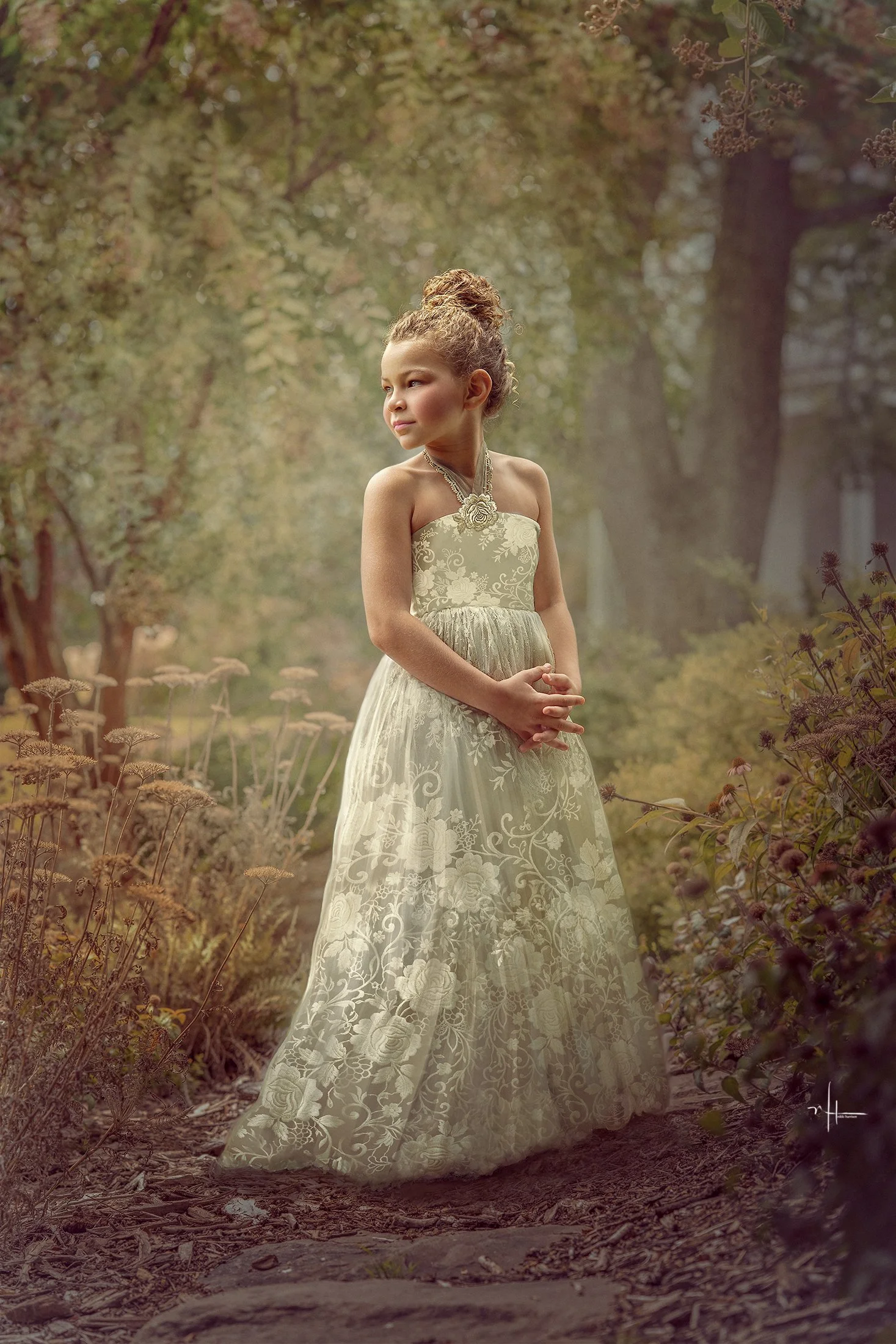 Image 2 of 2
Go watch my YouTube video on how to use these unique lace overlays and png files in Photoshop!
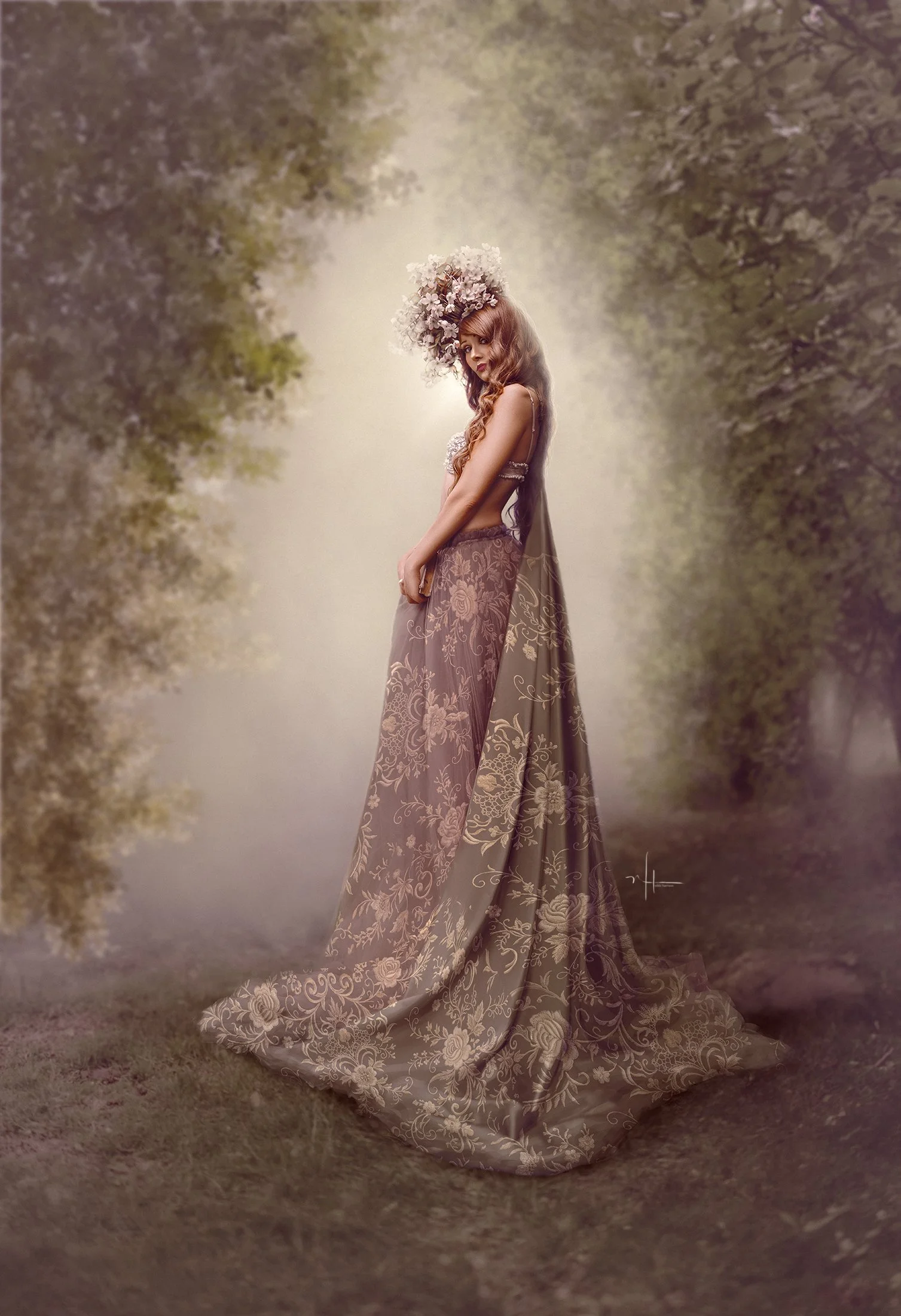
You don't need an elaborate wardrobe to create an elaborate fine-art portrait. Starting with relatively simple fabric, I'll show you how I layer, blend, reshape and manipulate lace to make it appear as though the detail was part of the original garment.
We'll explore using the lace with Screen blending mode, as well as working with the included lace PNG files, which give you even more freedom to experiment with different blending modes, colours, opacity and effects.
I'll also show you how I work with the shape and folds of the original garment so the lace feels integrated into the fabric rather than simply pasted over the top.
The Lace Overlay Set includes:
13 lace files, including both lace overlays and PNG elements, plus 3 beautiful lace sleeve elements that can be added to bare arms or used to completely change the style of an existing garment.
Use them to embellish:
Dresses and gowns
Bodices and skirts
Sleeves and bare arms
Children's fine-art wardrobe
Maternity and feminine portraits
Fantasy and storytelling costumes
Painterly and Old World portraiture
Flip them, warp them, recolour them, layer them, change the blending mode, mask away portions or combine several designs together. One simple piece of wardrobe can become something entirely new.
These are meant to be creative building pieces, not one-click effects. Once you understand how to manipulate them in Photoshop, there are so many possibilities.
Go watch my YouTube video on how to use these unique lace overlays and png files in Photoshop!
You don't need an elaborate wardrobe to create an elaborate fine-art portrait. Starting with relatively simple fabric, I'll show you how I layer, blend, reshape and manipulate lace to make it appear as though the detail was part of the original garment.
We'll explore using the lace with Screen blending mode, as well as working with the included lace PNG files, which give you even more freedom to experiment with different blending modes, colours, opacity and effects.
I'll also show you how I work with the shape and folds of the original garment so the lace feels integrated into the fabric rather than simply pasted over the top.
The Lace Overlay Set includes:
13 lace files, including both lace overlays and PNG elements, plus 3 beautiful lace sleeve elements that can be added to bare arms or used to completely change the style of an existing garment.
Use them to embellish:
Dresses and gowns
Bodices and skirts
Sleeves and bare arms
Children's fine-art wardrobe
Maternity and feminine portraits
Fantasy and storytelling costumes
Painterly and Old World portraiture
Flip them, warp them, recolour them, layer them, change the blending mode, mask away portions or combine several designs together. One simple piece of wardrobe can become something entirely new.
These are meant to be creative building pieces, not one-click effects. Once you understand how to manipulate them in Photoshop, there are so many possibilities.